Documentation for Plake Astro
Introduction
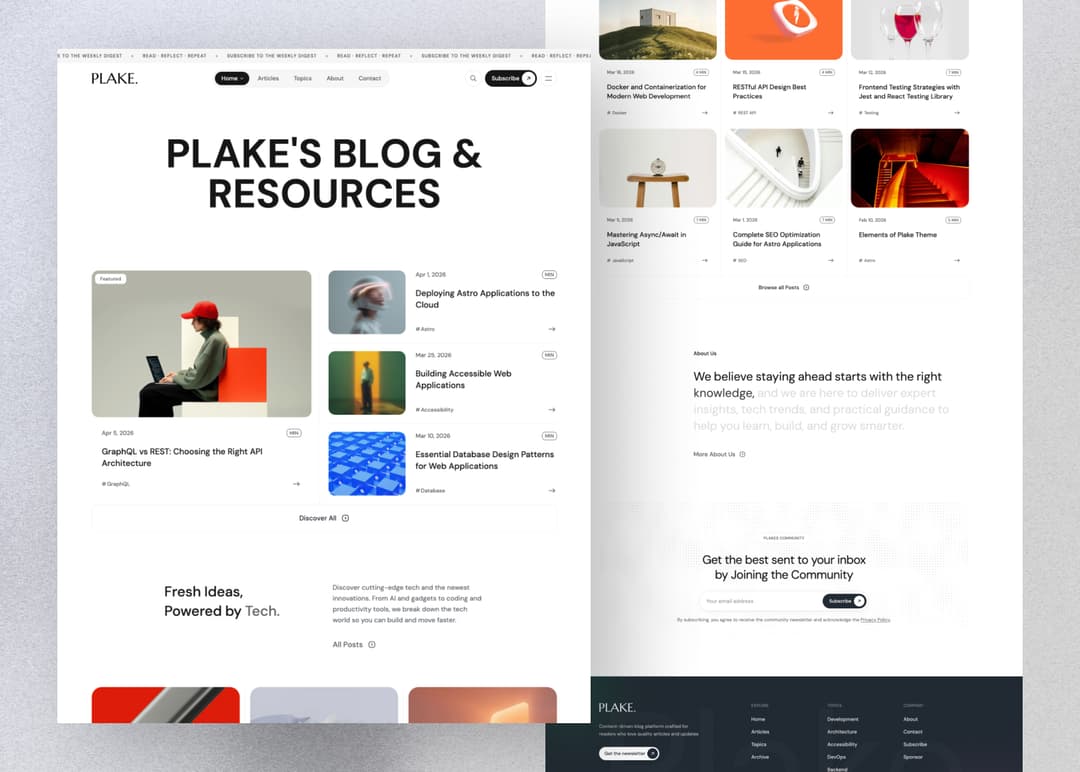
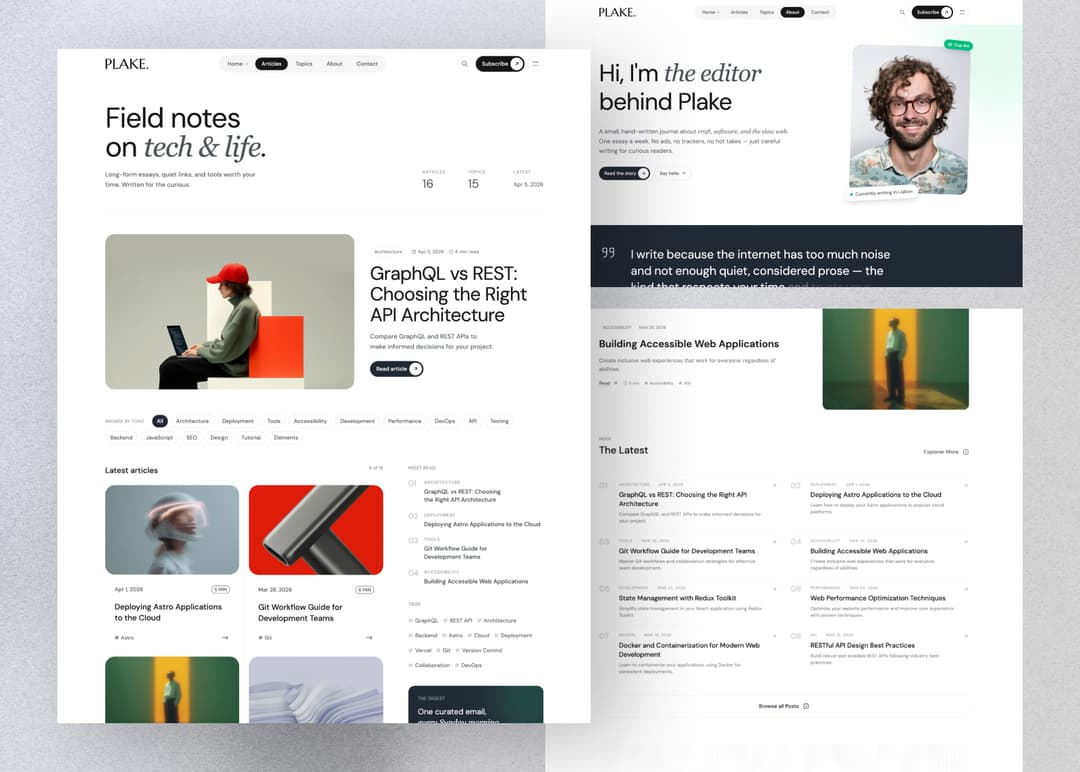
Plake is a content-driven News & Blog theme built with Astro and TailwindCSS. It ships with two homepage styles, topic and tag taxonomies, an archive page, a built-in search modal, and a clean, reading-focused layout.
File Structure
The theme files are structured as follows:
 ./theme-files
│
├── public
│  │
│  ├── images
│  │
│  └── favicon.ico
│
├── src
│  │
│  ├── components
│  │
│  ├── config
│  │
│  ├── content
│  │
│  ├── layouts
│  │
│  ├── lib
│  │
│  ├── pages
│  │
│  ├── styles
│  │
│  ├── types
│  │
│  ├── utils
│  │
│  └── content.config.ts
│
├── .gitignore
│
├── astro.config.mjs
│
├── package.json
│
└── tsconfig.json
Installation
Checkout Official AstroJS Documentation if you need.
System Requirements
- Node.js -
v22.12.0or higher. - Text editor - We recommend VS Code with our Official Astro extension.
- Terminal - Astro is accessed through its command-line interface (CLI).
Install dependencies
Nevigate to theme-files/ then open terminal and install dependencies by running
npm install
Preview Theme
Run npm run dev on your terminal and open http://localhost:4321 at your browser to see the local development preview
npm run dev
Configaration
Open theme-files/src/config/site.config.json
Change the default settings with yours
{
  "baseURL": "https://plake-astrojs.vercel.app",
  "favicon": "/favicon.ico",
  "basePath": "/",
  "trailingSlash": false,

  "site": {
    "logo": {
      "title": "Plake",
      "black": "/images/logo.svg",
      "white": "/images/logo-white.svg",
      "height": 28,
      "width": 110
    },
    "blogPaginate": 6,
    "headerMarquee": [
      "Subscribe to the weekly digest",
      "Read · Reflect · Repeat"
    ]
  },

  "footer": {
    "description": "Content-driven blog platform crafted for readers who love quality articles and updates"
  },

  "seo": {
    "title": "Plake - News & Blog theme for Astro",
    "description": "Plake is a News & Blog theme made with Astro and TailwindCSS.",
    "author": "Platoltheme",
    "keywords": "plake, minimal, astro, astrojs, blog, portfolio, template, theme",
    "image": "https://plake-astrojs.vercel.app/ogimage.jpg"
  }
}
site.logo— set your logo (blackfor light mode,whitefor dark mode) and dimensions.site.blogPaginate— number of articles shown per page on the blog.site.headerMarquee— the scrolling announcement messages shown in the header bar.seo— default meta title, description, author, keywords, and OG image.
Menu (Header, Footer & Legal)
Open theme-files/src/config/menu.json
Customize (add or remove) menu links by changing the label and href values. The header nav supports a children array for dropdown menus.
{
  "nav": [
    {
      "label": "Home",
      "href": "/",
      "children": [
        { "label": "Home 01", "href": "/" },
        { "label": "Home 02", "href": "/home-2" }
      ]
    },
    { "label": "Articles", "href": "/blog" },
    { "label": "Topics", "href": "/topics" },
    { "label": "About", "href": "/about" },
    { "label": "Contact", "href": "/contact" }
  ],
  "footer": [
    {
      "title": "Explore",
      "links": [
        { "label": "Home", "href": "/" },
        { "label": "Articles", "href": "/blog" }
      ]
    }
  ],
  "legal": [
    { "label": "Privacy", "href": "/privacy-policy" },
    { "label": "Terms", "href": "/terms-of-service" }
  ]
}
Social Links
Open theme-files/src/config/social.json and update the href values with your own profiles. The icon key controls which icon is rendered.
[
  { "label": "Twitter", "href": "#", "icon": "x" },
  { "label": "Instagram", "href": "#", "icon": "instagram" },
  { "label": "GitHub", "href": "#", "icon": "github" },
  { "label": "RSS", "href": "/rss.xml", "icon": "rss" }
]
Content Update
All the contents are located in theme-files/src/content/ folder.
You will find different folders for different content types — blog, about, contact, homepage, pages, subscribe, and sponsor.
Open the respective folder and edit the .mdx files to update the content.
Content Editing Guide
- Each article lives in a
.mdxfile with YAML front matter at the top (---block). - Update fields like title, date, description, image, topic, and tags to control how the post appears.
- Write or edit your article content below the front matter using standard Markdown syntax.
- Keep indentation and quotes consistent to avoid YAML errors.
- After saving changes, rebuild or refresh the site to see your updates live.
Topics & Tags
Articles are grouped by topic and tags in their front matter. New topics and tags listed on a post are automatically picked up and rendered on the /topics and /tags pages — no extra configuration needed.
Contact info
Update the Contact Page content by editing theme-files/src/content/contact/index.mdx.
Set your contact email.address, X/Twitter link, and FAQ entries there.
Changing Font
Plake uses Astro's built-in Font API. The default font is DM Sans loaded from Google Fonts.
To change it, edit the fonts array in theme-files/astro.config.mjs:
fonts: [
  {
    name: 'DM Sans',
    cssVariable: '--font-dm-sans',
    provider: fontProviders.google(),
    weights: [400, 500, 600, 700],
    subsets: ['latin'],
    fallbacks: ['sans-serif'],
  },
],
Then update the matching --font-primary variable in theme-files/src/styles/app.css if you rename the cssVariable.