Documentation for Qurno Astro
Introduction
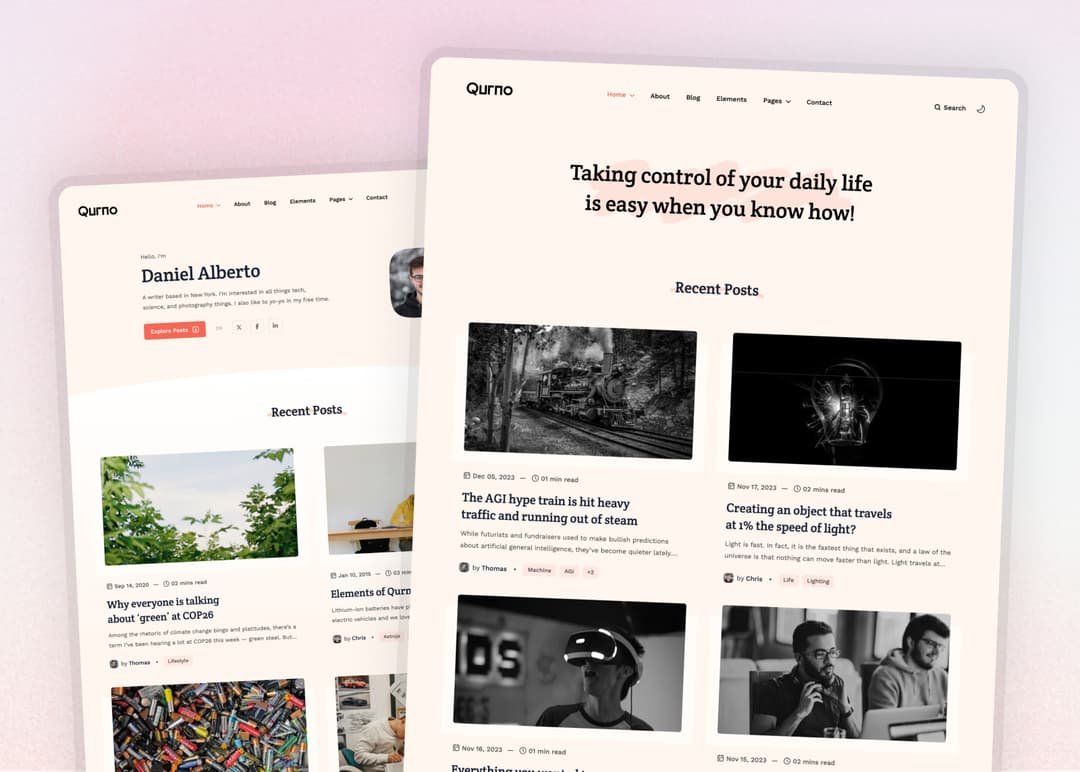
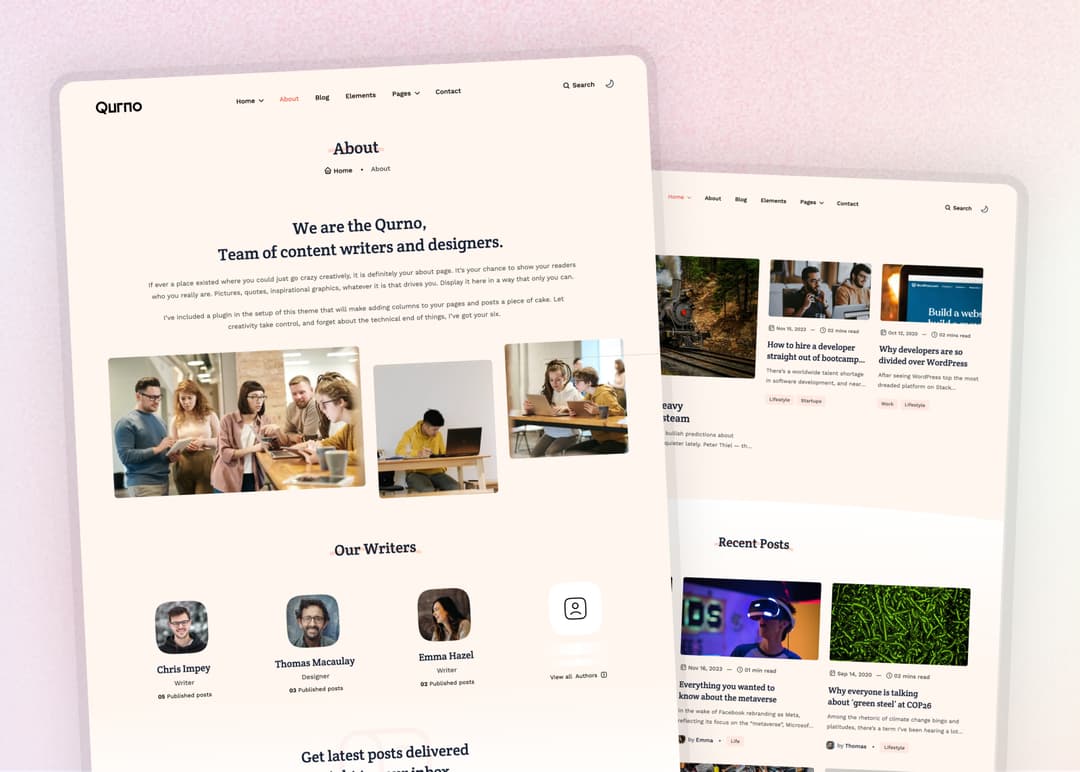
Aver is a modern and elegant Astro theme designed for portfolios and blogs. It features a sleek header, smooth scrolling, and a clean minimal design with dark-light mixed mode.
File Structure
The theme files are structured as follows:
 ./theme-files
│
├── public
│  │
│  ├── admin
│  │
│  └── scripts
│
├── src
│  │
│  ├── assets
│  │
│  ├── components
│  │
│  ├── config
│  │
│  ├── content
│  │
│  ├── layouts
│  │
│  ├── pages
│  │
│  ├── styles
│  │
│  └── utils
│
├── tina
│  │
│  ├── collections
│  │
│  ├── fields
│  │
│  ├── options
│  │
│  └── config.ts
│
├── .gitignore
│
├── .ncurc
│
├── astro.config.mjs
│
├── package.json
│
├── postcss.config.cjs
│
├── tailwind.config.mjs
│
└── tsconfig.json
Installation
Checkout Official AstroJS Documentation if you need.
System Requirements
- Node.js -
v18.17.1orv20.3.0,v22.0.0or higher. (v19andv21are not supported.) - Text editor - We recommend VS Code with our Official Astro extension.
- Terminal - Astro is accessed through its command-line interface (CLI).
Install dependencies
Nevigate to theme-files/ then open terminal and install dependencies by running
npm install
Preview Theme
Run npm run dev on your terminal and open http://localhost:4321 at your browser to see the local development preview
npm run dev
Configaration
Open theme-files/src/config/site.config.json
Change Default settings with yours
{
  "baseURL" : "https://qurno-astro.vercel.app",
  "favicon" : "/favicon.png",
  "basePath": "/",
  "trailingSlash": false,

  "logo": {
    "src" : "/assets/logo.svg",
    "src_light" : "/assets/logo-white.svg",
    "alt" : "Qurno",
    "width" : 115,
    "height" : 35
  },

  "metadata": {
    "title" : "Qurno - Minimal AstroJS Blog Theme",
    "description" : "A minimal AstroJS & TailwindCSS Blog Theme",
    "author" : "Platol",
    "keywords" : "qurno, minimal, react, astrojs, blog, template, theme",
    "image" : "https://qurno-astro.vercel.app/assets/ogimage.jpg"
  },

  "settings": {
    "homepage_post_count" : 6,
    "pagination" : 6,
    "copyright" : "© 2025 Qurno. All rights reserved."
  }
}
Menu (Header and Footer)
Open theme-files/src/config/menus.json
Customize(add or remove) menu(header & footer) Links by changing the name and link value
You can also add submenu by adding submenu param
{
  "mainMenu": [
    {
      "name": "Home",
      "link": "#",
      "submenu": [
        {
          "name": "Home 01",
          "link": "/",
          "target": "",
          "rel": ""
        },
        ...
      ]
    },
    {
      "name": "About",
      "link": "/about",
      "target": "",
      "rel": ""
    },
    ...
    {
      "name": "Pages",
      "link": "#",
      "submenu": [
        {
          "name": "Archive",
          "link": "/blog/archive",
          "target": "",
          "rel": ""
        },
        ...
      ]
    },
    {
      "name": "Contact",
      "link": "/contact",
      "target": "",
      "rel": ""
    }
  ],
  "footerMenu": [
    {
      "name": "Privacy Policy",
      "link": "/privacy",
      "target": "",
      "rel": ""
    },
    ...
  ]
}
📚 CMS
Qurno has full support of TinaCMS. Check out TinaCMS Documentation if you need.
check tina configuration in theme-files/src/config/tina.config.ts
update clientId and token value with your TinaCMS credentials - https://app.tina.io/projects.
also update search indexerToken value with your
To use TinaCMS on local run npm run dev and
open http://localhost:4321/admin/index.html at your browser.
Content Update
All the contents are located in theme-files/src/content/ folder
You will find different folders for different content types like blog, project, about, etc.
Open the respective folder and edit the .mdx files to update the content.
Content Editing Guide
- Each article lives in a .mdx file with YAML front matter at the top (
---block). - Update fields like title, date, description, image, category, and tags to control how the post appears.
- Write or edit your article content below the front matter using standard Markdown syntax.
- Keep indentation and quotes consistent to avoid YAML errors.
- After saving changes, rebuild or refresh the site to see your updates live.
🔴 Video preview
Contact info
Update the Contact Page content by editing theme-files/src/content/pages/contact.mdx file content.
Contact form works with https://formsubmit.co/
In contactForm params, you will find contact_email
contact_email: "platoltheme@gmail.com"
update email with your email-address to recive the message directly to your email.
Change TailwindCSS config (if you need) from
theme-files/tailwind.config.js
Changing Font
We are using Astro Font Library
Update the fonts form theme-files/src/layouts/Layout.astro file
Check the documentation https://github.com/rishi-raj-jain/astro-font