How to Create a Coming Soon Page That Converts (2026)
Build a coming soon page that collects emails before launch: the essential elements, design ideas, copy tips, SEO, and a countdown timer you can add with Astro.
In this guide
- Introduction
- Why You Need a Coming Soon Page
- The 6 Elements of a High-Converting Coming Soon Page
- Coming Soon Page Design Ideas
- Copywriting Tips
- SEO for a Coming Soon Page
- How to Build a Coming Soon Page With Astro
- Launch Day Checklist
- Skip the Build: 10 Ready-Made Designs
- Frequently Asked Questions
- Conclusion
Introduction
A coming soon page turns the weeks before launch from silence into momentum. Instead of a blank domain or a "site under construction" notice, visitors find a clear promise, a reason to care, and a way to be first in line. Every email you collect is a warm lead on launch day.
This guide covers what a high-converting coming soon page needs, design ideas that work, copywriting tips, SEO, and how to build one with Astro, including a countdown timer you can paste into your project.
Why You Need a Coming Soon Page
- Build a launch list. People who sign up before launch are your most likely first customers.
- Validate the idea. Signups and replies tell you whether the message resonates before you spend months building.
- Get discovered early. An indexable page lets search engines find your domain and brand name before launch day.
- Have something to share. A real link for social media, communities, and investors beats "DM me for details".
The 6 Elements of a High-Converting Coming Soon Page
1. A clear headline
Say what is coming in plain words. "The fastest way to plan a hiking trip" beats "Something big is coming". Visitors who do not understand what you are building will not sign up for it.
2. One line on why it matters
A single sentence on the benefit: who it is for and what it changes for them.
3. An email signup form
The only call to action on the page. Ask for an email address and nothing else. Every extra field lowers signups.
4. A launch date or countdown
A real date creates anticipation. Use a countdown timer only when the date is firm.
5. Social proof or a teaser
A product screenshot, a short demo clip, the number of people already on the waitlist, or a logo of a well-known early customer.
6. Social links
Let people follow along on the channels where you post updates.
Coming Soon Page Design Ideas
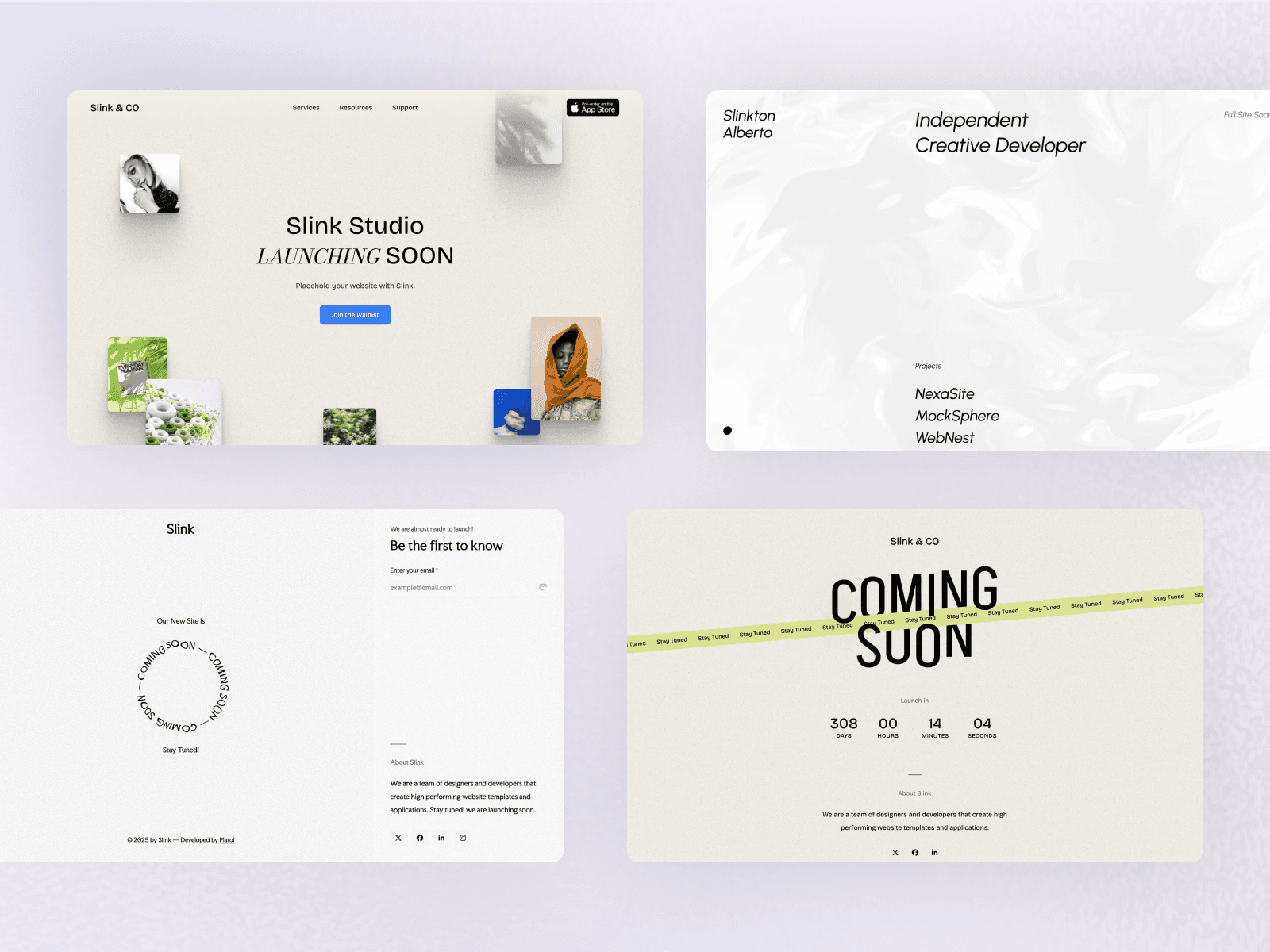
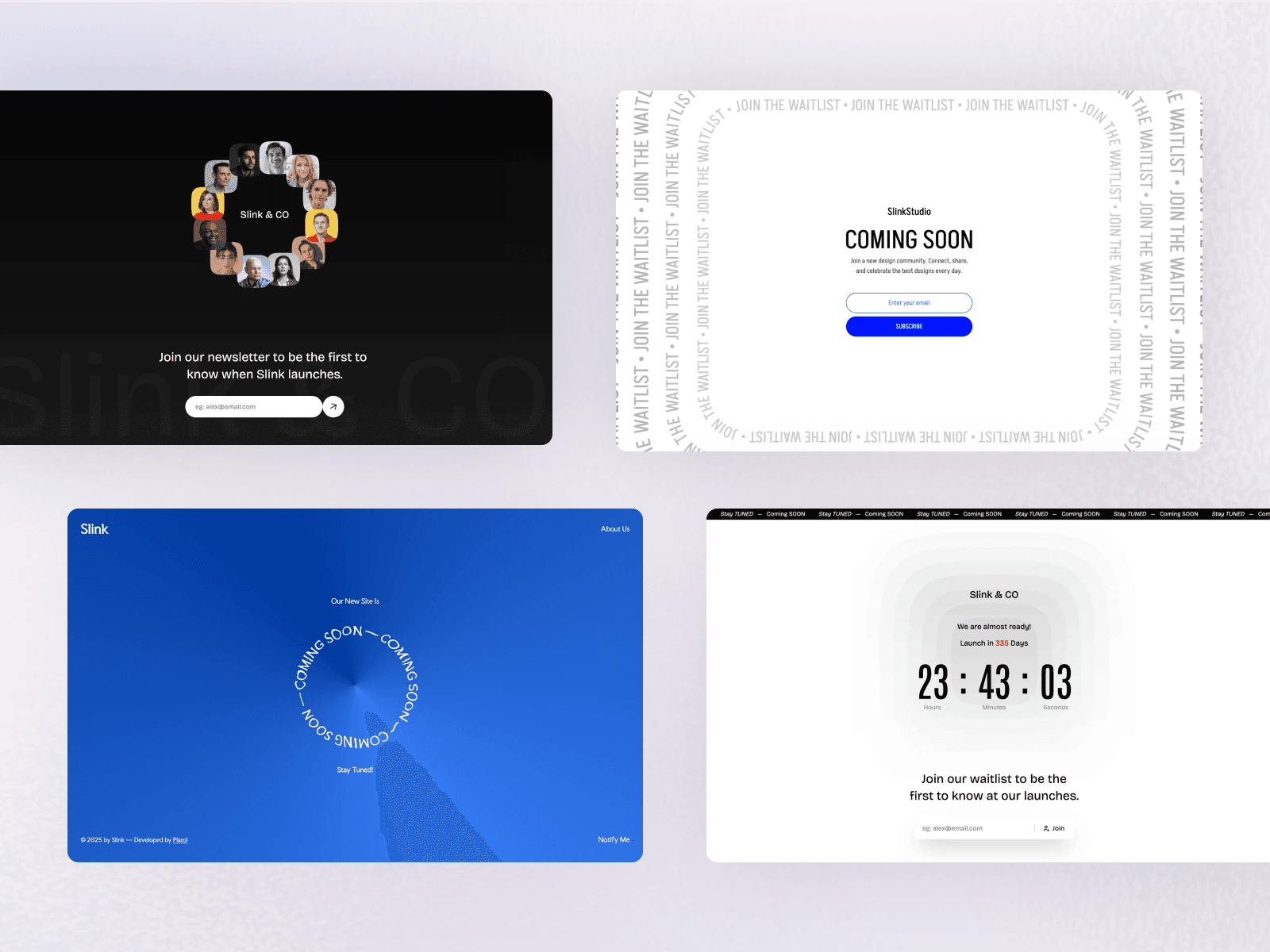
Coming soon pages are one of the few places where bold, expressive design pays off, because there is so little content to compete with. Some patterns that work:
- Minimal countdown: a big headline, a countdown, and an email field on a clean background. Hard to get wrong.
- Split screen: copy and the signup form on one side, a striking image or product shot on the other.
- Animated gradient or aurora background: soft, moving color that feels premium without distracting from the form.
- Kinetic typography: letters that react to the cursor or reveal as you scroll, for brands where personality matters.
- Retro flip clock: a mechanical-style countdown that turns the launch date into the hero.
- Floating photo cards: a drifting collage of product or lifestyle images with mouse parallax.
- Slide-out notify drawer: a calm landing view with a "Notify me" button that opens the signup form.
- Ambient audio: an optional background soundtrack for creative launches such as albums, games, or events.
Whatever the style, test the page on a phone. Most first visits from social media come from mobile.
Copywriting Tips
- Lead with the outcome, not the product category.
- Be specific about the audience: "for indie developers" converts better than "for everyone".
- Give a reason to sign up now: early access, a launch discount, or a founding-member perk.
- Make the button say what happens: "Get early access" beats "Submit".
- Confirm immediately: show a success message and send a welcome email so people know it worked.
SEO for a Coming Soon Page
- Keep the page indexable with a real title and description that include your brand name and what you are building.
- Add Organization structured data with your logo and social profiles.
- Use the same domain you will launch on, so any links and authority you earn carry over.
- At launch, replace the page with your full site on the same URL instead of redirecting elsewhere.
Our Astro SEO guide covers meta tags and structured data in detail.
How to Build a Coming Soon Page With Astro
Astro is a great fit for launch pages: they are static, they need to load instantly, and they can be hosted for free.
Step 1: Create the project
npm create astro@latest launch-page -- --template minimal
cd launch-page
npx astro add tailwind
Step 2: Add the page with a signup form
This form posts to a form backend. Replace the action URL with the endpoint from your email service or form provider:
---
// src/pages/index.astro
import '../styles/global.css';
const launchDate = '2026-12-31T09:00:00';
---

<html lang="en">
  <head>
    <meta charset="utf-8" />
    <meta name="viewport" content="width=device-width, initial-scale=1" />
    <title>Trailfinder: hiking routes that load anywhere</title>
    <meta name="description" content="Trailfinder plans hiking routes that work on slow mobile networks. Join the waitlist for early access." />
  </head>
  <body class="grid min-h-screen place-items-center bg-gray-950 px-6 text-white">
    <main class="max-w-xl text-center">
      <h1 class="text-4xl font-bold md:text-6xl">Hiking routes that load anywhere</h1>
      <p class="mt-4 text-lg text-gray-300">Trailfinder launches soon. Join the waitlist for early access.</p>

      <div id="countdown" data-launch={launchDate} class="mt-8 flex justify-center gap-6 text-3xl font-semibold tabular-nums"></div>

      <form action="https://formspree.io/f/your-form-id" method="POST" class="mt-8 flex flex-col gap-3 sm:flex-row">
        <label for="email" class="sr-only">Email address</label>
        <input id="email" name="email" type="email" required placeholder="[email protected]" class="flex-1 rounded-lg px-4 py-3 text-gray-900" />
        <button type="submit" class="rounded-lg bg-white px-6 py-3 font-semibold text-gray-950">Get early access</button>
      </form>
    </main>
  </body>
</html>
Step 3: Add the countdown timer
Add this script to the same page. Astro bundles it and runs it in the browser:
<script>
  const el = document.getElementById('countdown');
  const launch = new Date(el?.dataset.launch ?? '').getTime();

  const pad = (n: number) => String(n).padStart(2, '0');

  function tick() {
    if (!el) return;
    const diff = Math.max(0, launch - Date.now());
    const days = Math.floor(diff / 86_400_000);
    const hours = Math.floor((diff / 3_600_000) % 24);
    const minutes = Math.floor((diff / 60_000) % 60);
    const seconds = Math.floor((diff / 1000) % 60);

    el.innerHTML = [
      [days, 'days'],
      [hours, 'hrs'],
      [minutes, 'min'],
      [seconds, 'sec'],
    ]
      .map(([value, label]) => `<span>${pad(value as number)}<small class="block text-xs font-normal text-gray-400">${label}</small></span>`)
      .join('');

    if (diff === 0) clearInterval(timer);
  }

  const timer = setInterval(tick, 1000);
  tick();
</script>
Set the date in the format YYYY-MM-DDTHH:mm:ss. Without a time zone, the date is interpreted in each visitor's local time; add an offset such as +00:00 if everyone should count down to the same moment.
Step 4: Deploy
Push the project to GitHub and connect it to Vercel, Netlify, or Cloudflare. Our guide to deploying an Astro site covers each host and connecting your domain.
Launch Day Checklist
- Send the launch email to everyone on the list
- Replace the coming soon page with the full site on the same domain
- Keep a signup form on the new site for latecomers
- Submit the new sitemap in Google Search Console
- Post the launch on the channels you linked from the page
Skip the Build: 10 Ready-Made Designs
Slink is a coming soon template for Astro with 10 distinct designs, built on Astro v7 and Tailwind CSS v4. It covers every pattern above: a minimal countdown with a slide-out notify drawer, a split-screen layout with countdown and notify form, an Aurora gradient background, cursor-reactive kinetic typography, a retro 3D flip clock, floating photo cards with mouse parallax, rotating elements with a vertical cut text reveal, a mesh gradient with a centered signup card, an ambient audio player, and animated SVG path typography. Each demo has its own simple data file for the headline, countdown date, and copy, and the forms are ready to connect to Mailchimp, ConvertKit, or Formspree.
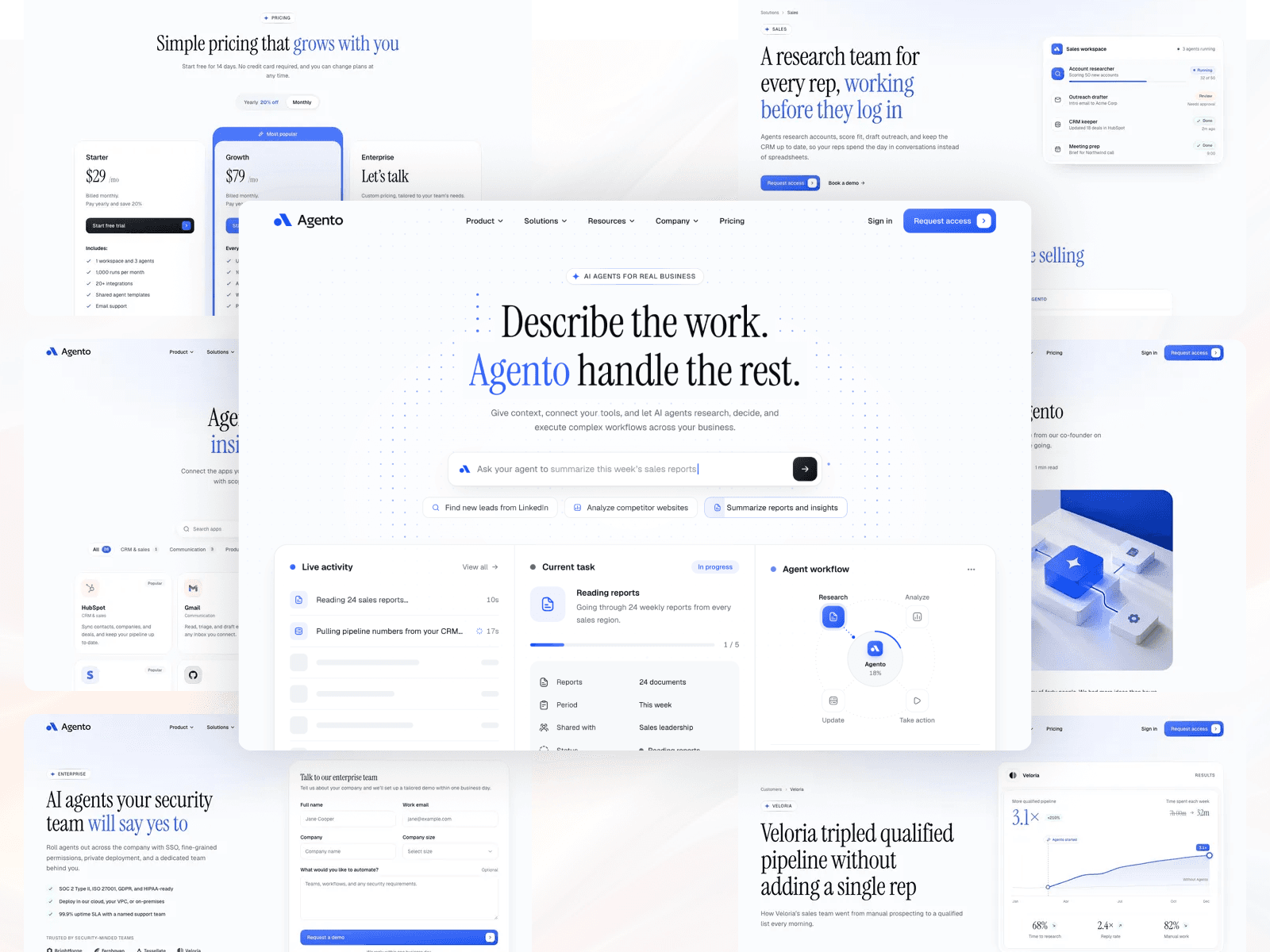
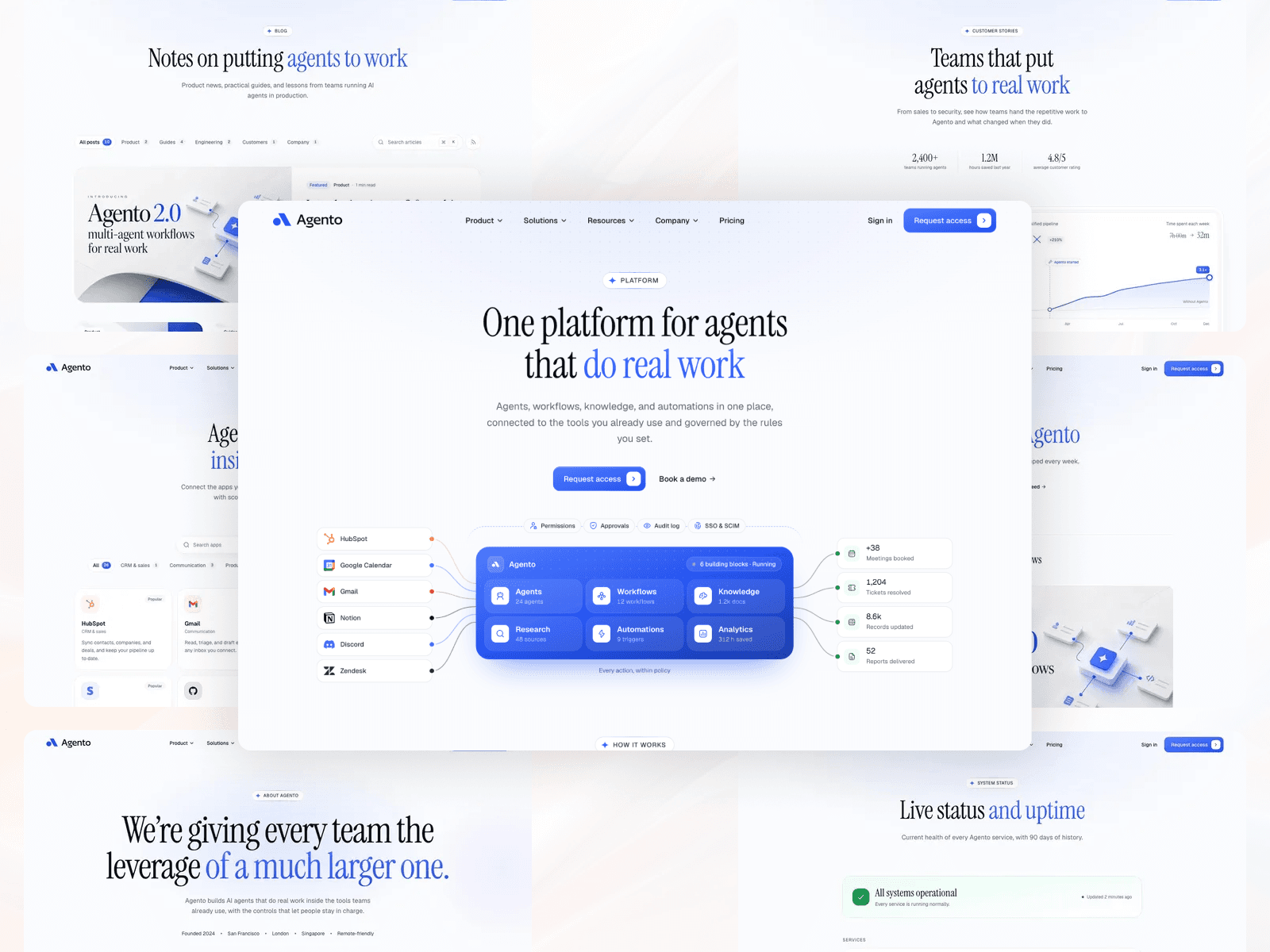
Launching a SaaS or AI product? After launch, move to a full marketing site like Agento, which even includes its own waitlist and coming soon pages. Browse all Astro coming soon templates.
Frequently Asked Questions
What should a coming soon page include?
A clear headline that says what is coming, one or two sentences on why it matters, an email signup form, a launch date or countdown if you have one, and links to your social profiles. A small visual or product teaser helps, but keep the page focused on the signup.
Should a coming soon page be indexed by Google?
Usually yes. An indexable page with a real title and description lets search engines discover your domain and brand name before launch. Use noindex only for private beta pages or pages you do not want found yet.
How do I collect emails on a coming soon page?
Connect your signup form to an email marketing service such as Mailchimp, ConvertKit, or a form backend like Formspree. Ask only for an email address, and send an immediate confirmation so new subscribers know it worked.
Should I add a countdown timer?
Add a countdown only if you have a firm launch date. A real deadline creates anticipation; a countdown that hits zero with nothing launched damages trust. Without a date, use copy like "Launching this spring" instead.
How long should a coming soon page stay up?
Anywhere from a few days to a few months. Long enough to build a list and test your messaging, but send subscribers occasional updates so they do not forget why they signed up.
Conclusion
A great coming soon page is simple: a clear promise, one reason to care, one email field, and a launch date you can keep. Build it in an afternoon with Astro using the code above, or start from one of the ten designs in Slink, and spend the time you save telling people about your launch.