Astro vs WordPress in 2026: Which Is Right for You?
Astro vs WordPress compared on speed, security, SEO, cost, editing, and plugins, with clear advice on when to switch and how to migrate a WordPress site.
In this guide
Introduction
WordPress powers about 39.7% of all websites, according to W3Techs data from October 2026. It is the default answer to "how do I build a website", and for good reason: it is flexible, familiar, and has a plugin for everything. Astro takes the opposite approach. It builds your site into fast static pages at deploy time, with no database and no PHP, and ships almost no JavaScript.
This guide compares Astro and WordPress honestly: where each one wins, who should use which, and how to migrate if you decide to switch.
Quick Answer
- Choose Astro if speed, security, and low maintenance matter most, and the people editing content are comfortable with Markdown or a lightweight CMS. Blogs, portfolios, documentation, marketing sites, and landing pages are a great fit.
- Choose WordPress if non-technical editors need a full admin dashboard, you rely on plugins for e-commerce, memberships, or forms, or you want to build pages visually without a developer.
- Use both if you want WordPress's editor with Astro's speed: run WordPress as a headless CMS and build the front end with Astro.
How They Work
WordPress is a dynamic CMS. When a visitor requests a page, PHP queries a MySQL database, assembles the page with your theme and plugins, and sends the HTML. Caching plugins and CDNs can store copies, but the server is always doing work behind the scenes.
Astro is a web framework that builds your pages ahead of time. When you deploy, Astro turns your content and components into plain HTML files, and a CDN serves them instantly. Interactive parts, such as a search box or a carousel, are added as small "islands" of JavaScript.
Astro vs WordPress at a Glance
| Astro | WordPress | |
|---|---|---|
| Architecture | Pre-built static pages (server rendering optional) | PHP + database on each request |
| Speed by default | Very fast | Depends on theme, plugins, and caching |
| Security surface | Very small: no database or admin login on the live site | Larger: login, plugins, and themes need regular updates |
| Hosting | Free or cheap static hosting | PHP hosting with a database |
| Editing | Markdown or a CMS you add | Built-in admin dashboard and block editor |
| Extensibility | npm packages, integrations, and components | Tens of thousands of plugins in the official directory |
| Who builds it | Developers (or start from a theme) | Anyone, with themes and page builders |
| Maintenance | Very low | Ongoing core, plugin, and theme updates |
Performance
Astro's biggest advantage is speed you do not have to fight for. Pages are pre-rendered and served from a CDN, so time to first byte is low and there is no database work per request. Astro ships zero JavaScript by default and only hydrates the components you mark as interactive, which keeps pages light and makes Core Web Vitals easy to pass. A well-built Astro theme typically scores in the high 90s on Lighthouse.
WordPress can be fast, but it takes effort: a lightweight theme, a caching plugin, image optimization, and discipline about plugins. Every plugin that adds scripts or styles to every page makes the site heavier.
Winner: Astro.
Security and Maintenance
A static Astro site has almost nothing to attack: no login page, no database, and no plugins running on the server. There is nothing to patch on the live site, and you update dependencies on your own schedule.
WordPress's popularity makes it a constant target. Keeping a WordPress site safe means updating core, themes, and plugins regularly, using strong logins, and often running a security plugin. Abandoned plugins are a common source of vulnerabilities.
Winner: Astro.
SEO
Both platforms can rank well. Search engines care about content quality, relevance, links, and page experience, not which tool built the page.
- Astro gives you fast, clean HTML by default, which helps with Core Web Vitals. You add meta tags, sitemaps, and structured data yourself or through your theme. See our Astro SEO guide.
- WordPress has mature SEO plugins that make titles, sitemaps, and schema easy for non-developers, but heavy themes can hurt performance.
Winner: tie. Astro is easier to make fast; WordPress is easier for non-technical SEO work.
Content Editing
This is where WordPress shines. The block editor, media library, scheduling, revisions, and user roles work out of the box, and millions of people already know how to use them.
Astro has no built-in admin panel. Content usually lives in Markdown files, managed with content collections. For many developers and solo bloggers, writing in Markdown is a feature. For teams with non-technical editors, you add a CMS. Our guide to the best CMS for Astro compares the options, from TinaCMS and Keystatic to Sanity and headless WordPress.
Winner: WordPress, unless your editors are happy with Markdown or you add a CMS.
Features and Plugins
WordPress's plugin ecosystem is unmatched: e-commerce, memberships, LMS, booking, forms, and multilingual sites are a plugin install away.
In Astro, features come from npm packages, Astro integrations, third-party services, and your own components. Forms usually post to a service like Formspree or a serverless function, search uses a static index like Pagefind, and e-commerce connects to a platform like Shopify or Lemon Squeezy. It is more flexible, but each feature takes some setup.
Winner: WordPress for plug-and-play features.
Cost
A typical static Astro site can be hosted for free on Vercel, Netlify, Cloudflare, or GitHub Pages. There are no plugin licenses and almost no maintenance time.
WordPress needs PHP hosting with a database, and quality managed hosting costs money every month. Premium themes, page builders, and plugins often have yearly licenses, and maintenance takes time.
Winner: Astro.
When to Switch From WordPress to Astro
Moving to Astro makes sense when:
- Your site is mostly content: a blog, portfolio, documentation, or marketing site.
- You are tired of plugin updates, security warnings, and slow pages.
- You are paying for hosting and plugins you barely use.
- A developer, or a well-documented theme, can handle the initial setup.
Stay on WordPress when your site depends on plugins with no simple equivalent, many non-technical editors publish daily, or the site is an online store or membership platform built around WordPress.
How to Migrate From WordPress to Astro
- Audit your site. List every page, post, and plugin-powered feature you need to keep.
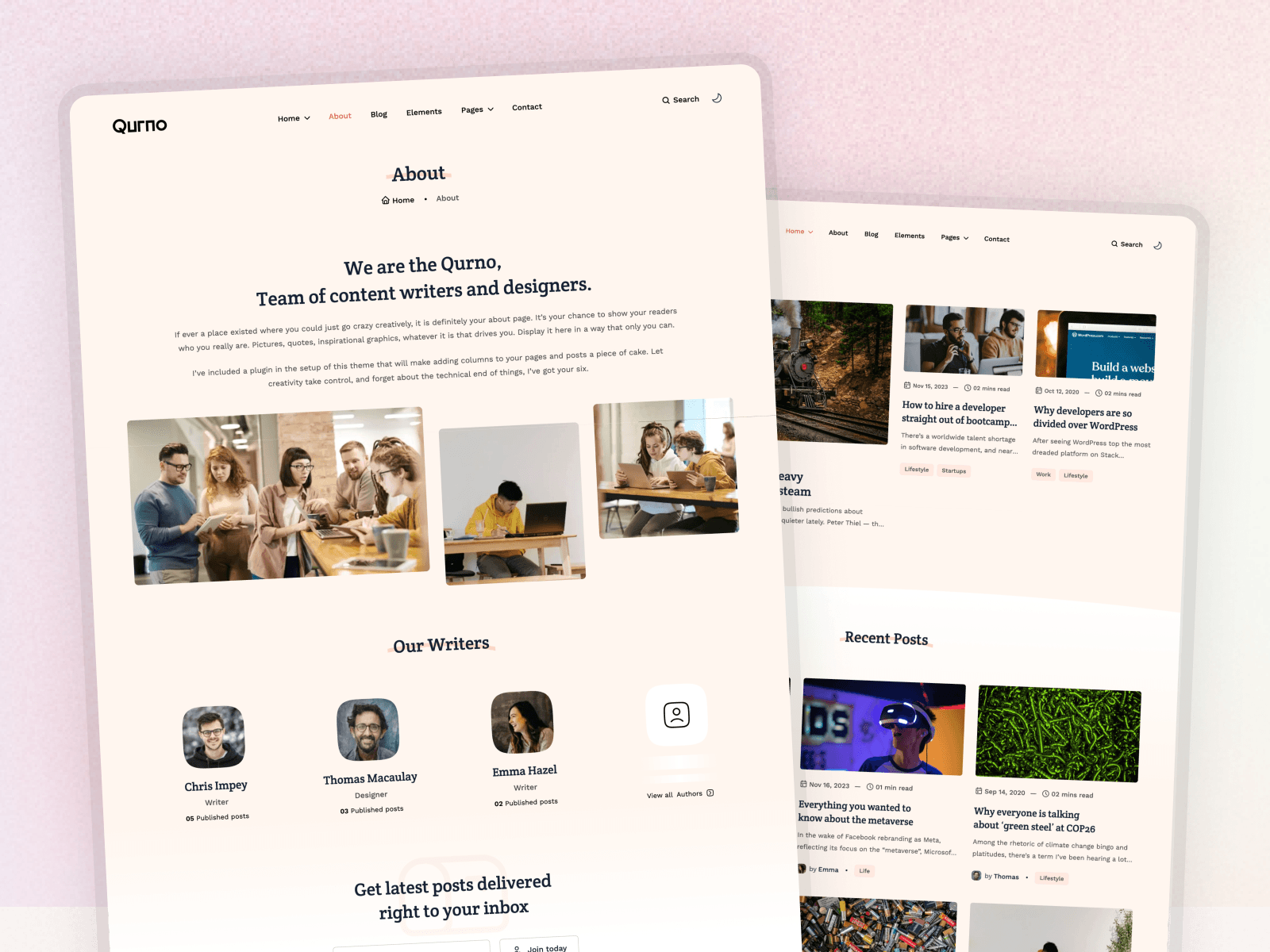
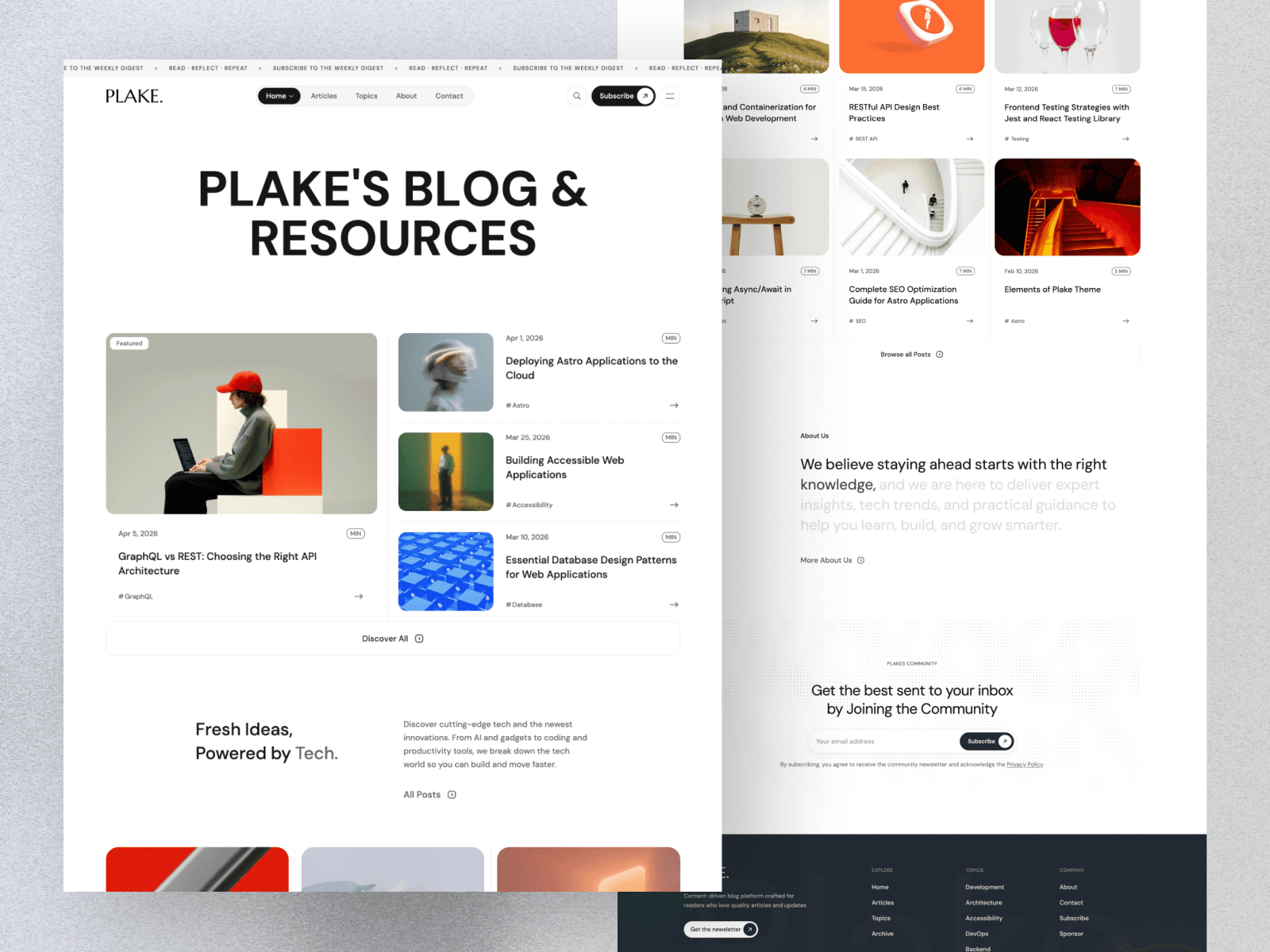
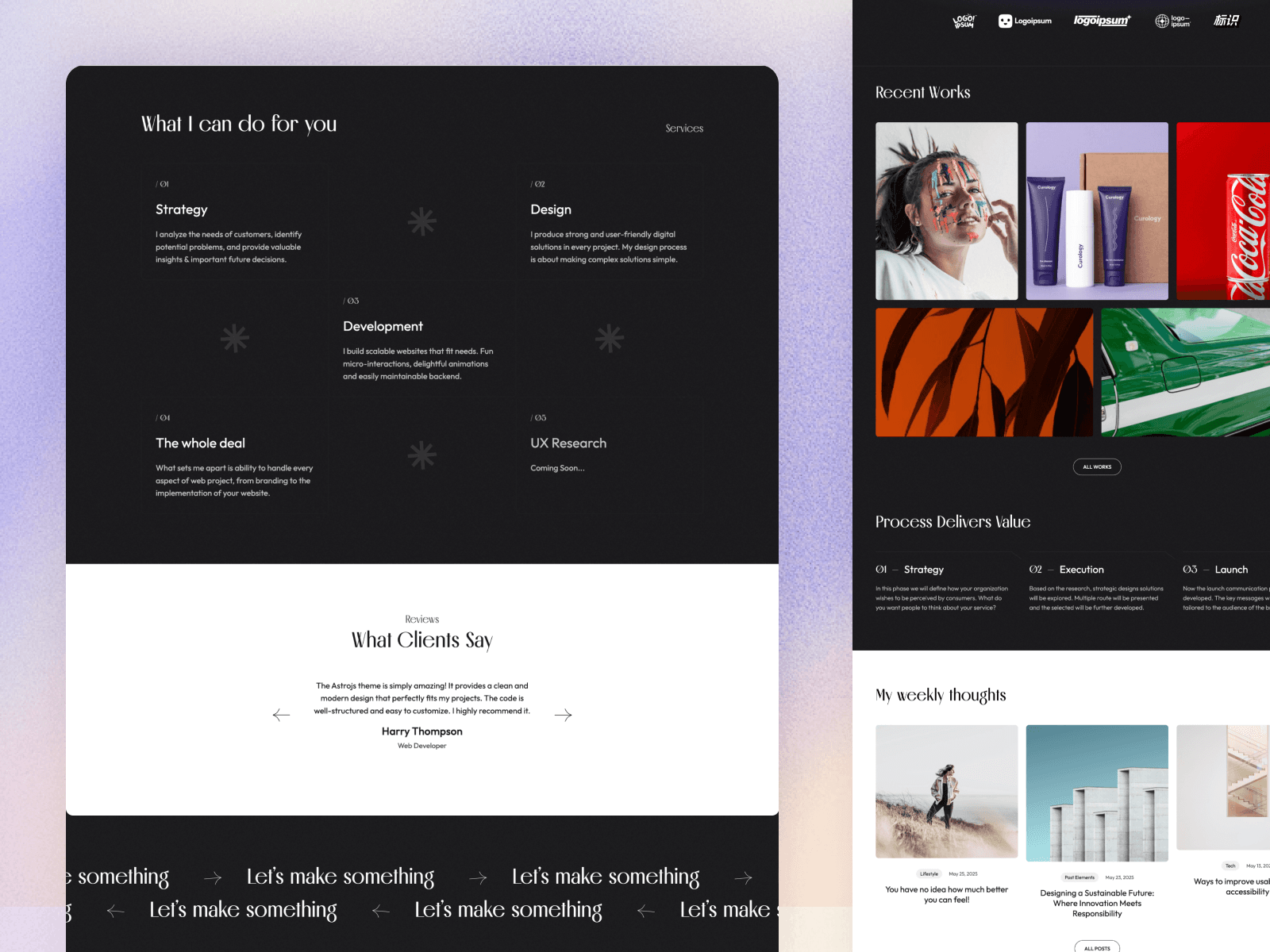
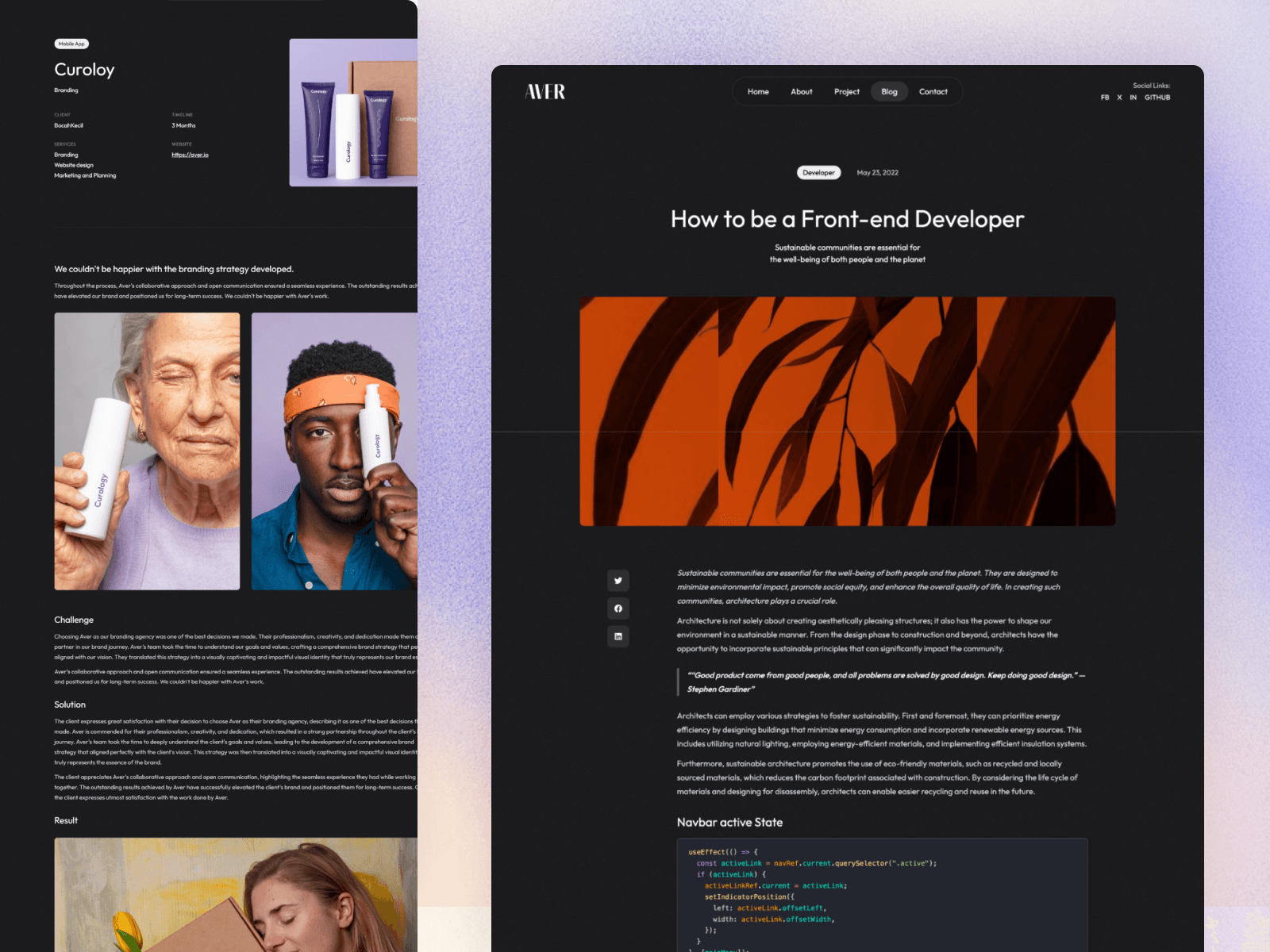
- Pick an Astro theme that matches your site, for example a blog theme like Qurno or Plake, or a portfolio theme like Aver.
- Export your content. Use WordPress's export tool, then convert the export file to Markdown with one of the open-source conversion tools. Simple blocks convert cleanly; content from page builders or plugin-specific blocks needs manual cleanup.
- Move media. Download your images and update the paths in your posts.
- Map your frontmatter (title, date, description, image, tags, categories) to the theme's content collection schema.
- Rebuild plugin features: contact forms, newsletter signups, search, and comments with services or components.
- Keep your URLs. Match your old URL structure where possible, and create permanent 301 redirects for every URL that changes. This step protects your search rankings.
- Deploy and verify. Follow our guide to deploying an Astro site, then submit the new sitemap in Google Search Console and watch for crawl errors.
Prefer to keep the WordPress editor? Run WordPress headless: editors keep the dashboard, and Astro fetches content through the REST API or WPGraphQL. Astro's documentation has an official guide for migrating from WordPress, including this setup.
Frequently Asked Questions
Is Astro faster than WordPress?
Usually, yes. An Astro site is pre-built into static HTML and served from a CDN with little JavaScript, while a typical WordPress page is generated by PHP and a database on each request and often loads extra scripts from the theme and plugins. Caching narrows the gap, but Astro is fast by default.
Is Astro better than WordPress for SEO?
Astro makes technical SEO easier because pages are fast and lightweight by default. WordPress can rank just as well with a fast theme, caching, and an SEO plugin. Content quality and links matter far more than the platform.
Can non-technical people edit an Astro site?
Not out of the box, since Astro content is usually Markdown files. Adding a CMS such as TinaCMS, Keystatic, Decap CMS, or a headless CMS gives editors a friendly interface. You can even keep WordPress as a headless CMS behind an Astro front end.
Is Astro cheaper than WordPress?
Often. A static Astro site can be hosted for free on Vercel, Netlify, Cloudflare, or GitHub Pages, with no database, no security plugins, and no plugin licenses. WordPress needs PHP hosting and a database, and premium plugins add up.
How do I migrate from WordPress to Astro?
Export your posts from WordPress, convert them to Markdown, add them to an Astro theme's content folder, download your media, rebuild any features that relied on plugins, and set up 301 redirects from every old URL that changes. Then submit the new sitemap in Search Console.
Conclusion
WordPress is still the most flexible way for non-developers to run a website with lots of features. Astro is the better choice when you want a site that is fast, secure, cheap to host, and nearly maintenance-free, and most content sites fit that description.
If you are ready to switch, start from a theme instead of a blank project. Compare options in our guides to the best Astro blog themes and the best Astro themes for 2026.