Best CMS for Astro in 2026: Git-Based vs Headless
Which CMS should you use with Astro? Compare Markdown in Git, TinaCMS, Keystatic, Decap CMS, Sanity, Storyblok, Contentful, Strapi, and headless WordPress.
In this guide
Introduction
Astro does not come with an admin panel, and for many sites that is a feature, not a bug. Content lives in Markdown files, gets validated by content collections, and ships as fast static HTML. But the moment a client, a marketer, or a non-technical co-founder needs to edit the site, you need a CMS.
This guide explains the three ways to manage content in Astro, compares the most popular CMS options for 2026, and gives clear recommendations by team size and use case.
The Three Ways to Manage Content in Astro
1. Markdown in Git (no CMS)
Write .md or .mdx files in your repository and commit them. Astro's content collections validate them at build time.
- Pros: free, fast, version-controlled, no extra service to run.
- Cons: editors need to be comfortable with Markdown and Git.
- Best for: developer blogs, documentation, and personal sites.
2. Git-based CMS
A Git-based CMS gives editors a friendly interface, but saves content as files in your repository. Each edit becomes a commit, which triggers a rebuild.
- Pros: content stays in your repo, no separate database, usually free or cheap.
- Cons: publishing takes a rebuild, and complex editorial workflows are limited.
- Best for: small business sites, blogs, and portfolios with a few editors.
3. API-based headless CMS
Content lives in the CMS's own database. Astro fetches it through an API, either at build time or, with an adapter and live collections, at request time.
- Pros: structured content, roles and permissions, scheduling, localization, and large media libraries.
- Cons: another service to pay for and integrate, and content lives outside your repository.
- Best for: marketing teams, multi-author publications, and multi-channel content.
Git-Based CMS Options
TinaCMS
TinaCMS is known for visual editing: editors click on text on a live preview of the page and edit it in a sidebar. Content is saved as Markdown, MDX, or JSON in your repository. You can use the hosted Tina Cloud service for authentication and Git sync, or self-host the backend.
Choose it if your editors want to see their changes in context while they type.
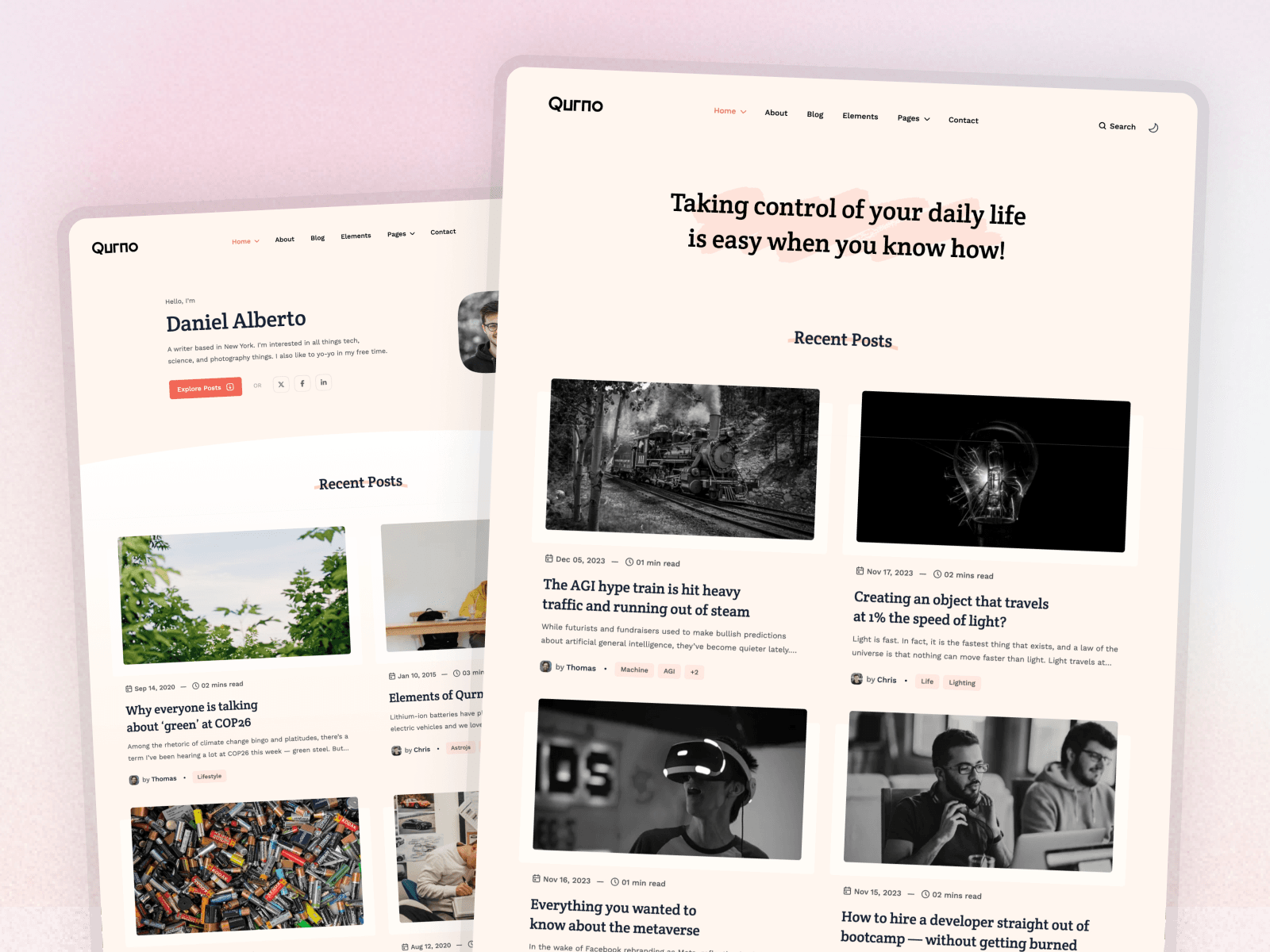
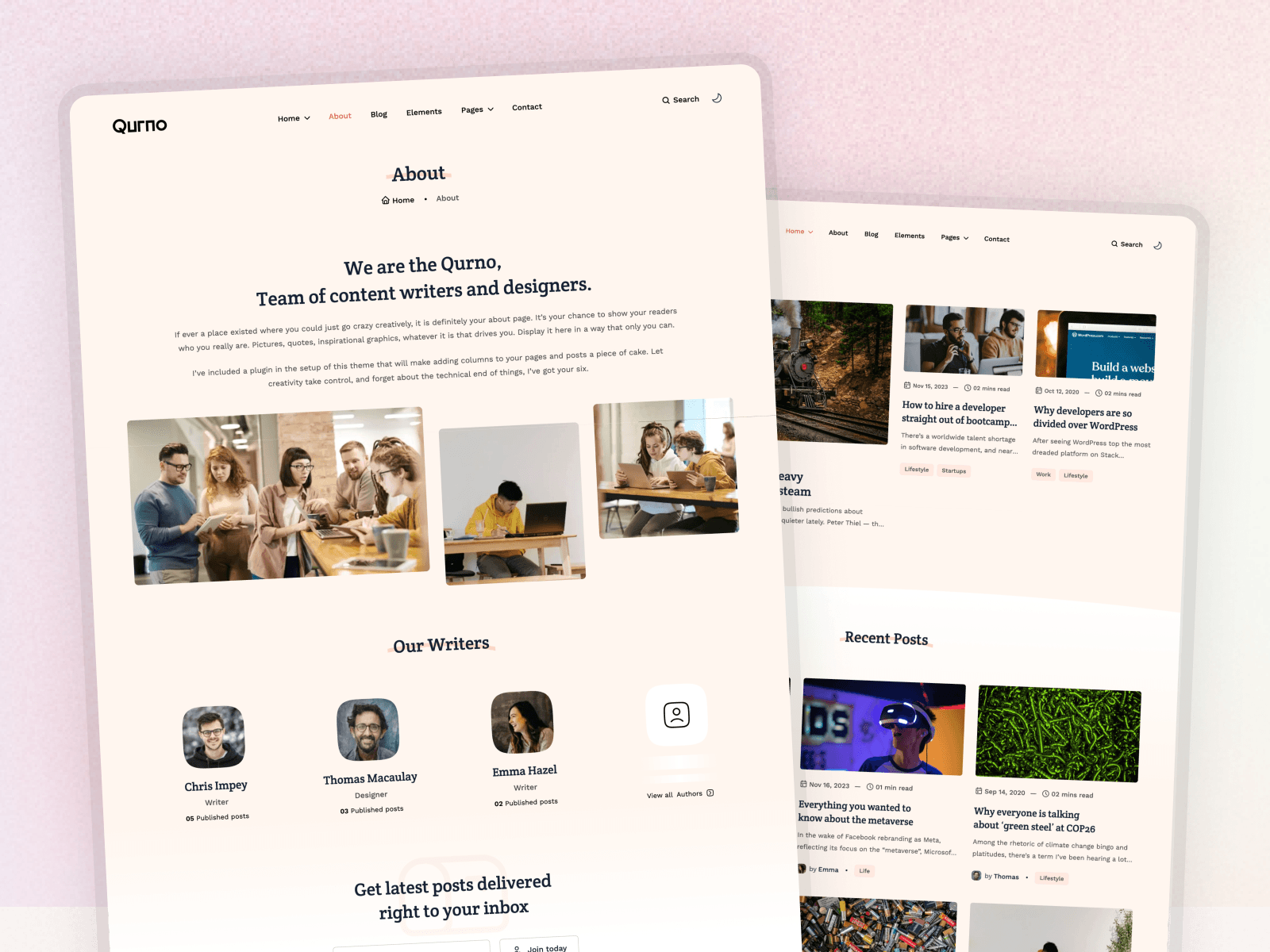
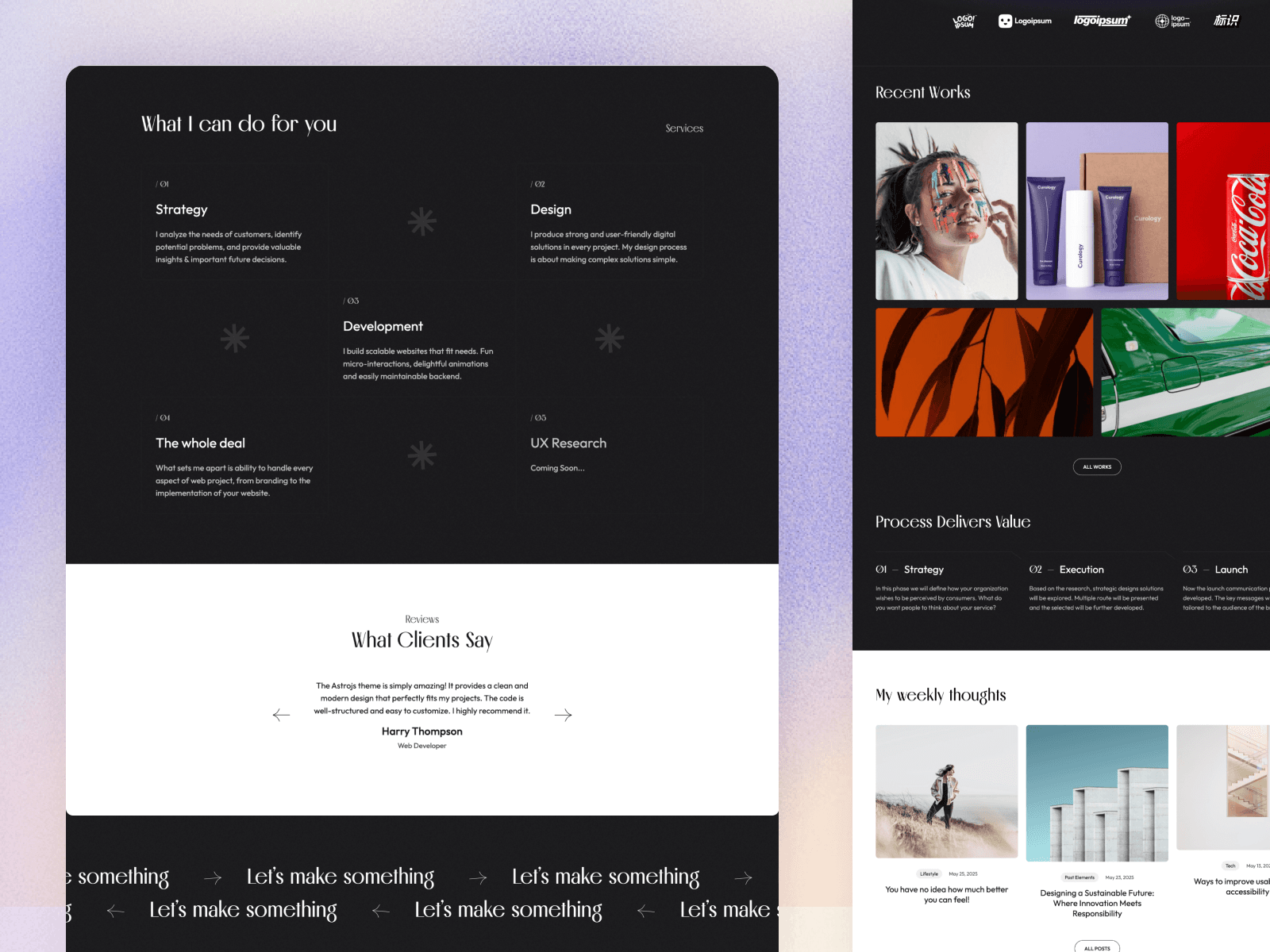
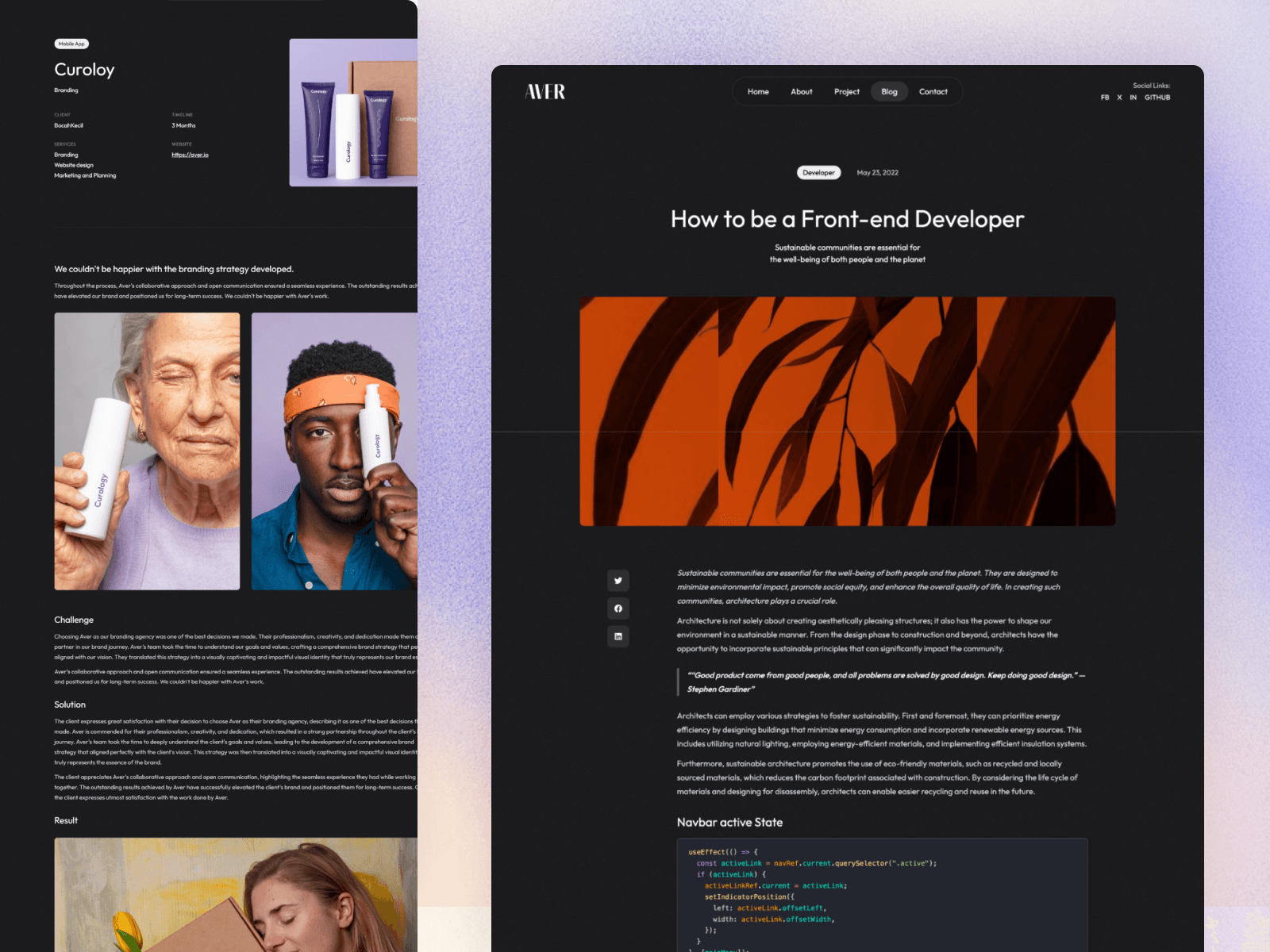
Theme tip: Qurno ships a ready-to-use TinaCMS config, and Aver supports TinaCMS too, so you can skip the setup.
Keystatic
Keystatic is an open-source, TypeScript-configured CMS with an official Astro integration. The admin UI lives at /keystatic inside your project, and content is stored as files in your repository or synced through GitHub.
Choose it if you want a modern, type-safe editing UI that feels native to an Astro project.
Decap CMS
Decap CMS (formerly Netlify CMS) is the most established Git-based CMS. It is open source, configured with a YAML file, and works with any static site generator.
Choose it if you want a mature, framework-agnostic option and your content model is fairly simple.
API-Based Headless CMS Options
Sanity
A highly flexible, developer-friendly headless CMS. Content models are defined in code, the editing studio is customizable, and content is queried with its GROQ query language. Sanity offers an official Astro integration.
Choose it if you have complex, structured content and developers who want full control.
Storyblok
A headless CMS built around a visual editor and reusable components ("bloks"), popular with marketing teams that build landing pages. Storyblok offers an official Astro SDK.
Choose it if marketers need to assemble pages from components without developer help.
Contentful
One of the longest-established enterprise headless CMS platforms, with strong localization, roles, and integrations.
Choose it if you are a larger organization with many editors, locales, and channels.
Strapi and Payload
Open-source headless CMSs you can self-host, with admin panels you can customize. They give you full ownership of your data and infrastructure.
Choose them if you want an API-based CMS without vendor lock-in and are happy to host it.
WordPress as a Headless CMS
Keep the WordPress dashboard your editors already know, and use Astro as the front end. Astro fetches content through the WordPress REST API or WPGraphQL. Astro's documentation includes a guide for this setup.
Choose it if you are moving off a slow WordPress theme but your team wants to keep the WordPress editor. Read our Astro vs WordPress comparison for the trade-offs.
Astro CMS Comparison
| Option | Type | Visual editing | Content stored in | Open source | Good for |
|---|---|---|---|---|---|
| Markdown in Git | No CMS | — | Your repo | ✅ | Developers |
| TinaCMS | Git-based | ✅ | Your repo | ✅ | Small teams that want in-context editing |
| Keystatic | Git-based | — | Your repo | ✅ | Type-safe Astro projects |
| Decap CMS | Git-based | — | Your repo | ✅ | Simple content, any SSG |
| Sanity | API headless | Partial (preview) | Sanity cloud | Studio is open source | Complex structured content |
| Storyblok | API headless | ✅ | Storyblok cloud | — | Marketing page building |
| Contentful | API headless | — | Contentful cloud | — | Enterprise, localization |
| Strapi / Payload | API headless | — | Your server | ✅ | Self-hosted control |
| Headless WordPress | API headless | — | Your WordPress | ✅ | Teams used to WordPress |
Pricing and free tiers change often, so check each vendor's pricing page before you commit.
How to Choose
Answer these questions in order:
- Who edits the content? If only developers, stay with Markdown in Git.
- How many editors, and how often do they publish? A few editors publishing weekly fit a Git-based CMS. A team publishing daily with approvals needs an API-based CMS.
- Do editors need to see the page while editing? If yes, look at TinaCMS or Storyblok.
- Is the content structured or reused across channels? Products, locations, or content shared with an app point to Sanity, Contentful, or a self-hosted option.
- What is the budget? Git-based tools are usually free; API-based platforms get expensive as editors and locales grow.
Our default recommendations:
- Personal blog or portfolio: Markdown in Git.
- Small business site edited by the owner: Keystatic or TinaCMS.
- Marketing site with a content team: Storyblok or Sanity.
- Migrating from WordPress without retraining editors: headless WordPress.
Connecting a CMS to an Astro Theme
The cleanest setups keep the theme's content collections and only change where content comes from:
- Git-based CMS: point the CMS at the same folders your collections already load, such as
src/content/blog, and match its fields to the collection schema. Nothing else in the theme changes. - API-based CMS: use the CMS's Astro SDK or write a custom loader so
getCollection('blog')returns CMS content. Your pages and components keep working.
This is why we build every Platoltheme Astro theme on content collections: you can start with Markdown and switch to a CMS later without rewriting your pages.
Frequently Asked Questions
What is the best CMS for Astro?
For developers, plain Markdown in Git is often enough. For non-technical editors on a small site, a Git-based CMS like Keystatic, TinaCMS, or Decap CMS adds an editing interface without a database. For larger teams with many editors and structured content, an API-based headless CMS like Sanity, Storyblok, or Contentful is the better fit.
Does Astro need a CMS?
No. Astro reads Markdown and MDX files directly through content collections, which works well when the people writing content are comfortable with files and Git. Add a CMS when non-technical editors need a friendly interface.
Is there a free CMS for Astro?
Yes. Decap CMS and Keystatic are open source and store content in your Git repository, so there is no hosting cost beyond your site. TinaCMS can be self-hosted, and most API-based CMSs offer a free tier for small projects.
Can I use WordPress as a CMS for Astro?
Yes. WordPress can run as a headless CMS: editors keep using the WordPress dashboard, and Astro fetches posts through the WordPress REST API or WPGraphQL to build a fast front end.
What is the difference between a Git-based and a headless CMS?
A Git-based CMS edits Markdown or JSON files in your repository and commits the changes, so content lives with your code. An API-based headless CMS stores content in its own database and Astro fetches it through an API at build time or request time.
Conclusion
There is no single best CMS for Astro, only the best fit for your team. Start with Markdown in Git, add a Git-based CMS like TinaCMS, Keystatic, or Decap when non-developers join, and move to an API-based platform like Sanity, Storyblok, or Contentful when your content team and content model outgrow files.
Want a blog that is CMS-ready from day one? Qurno includes a ready-to-use TinaCMS config. Compare it with other options in our guide to the best Astro blog themes.