How to Build a Developer Portfolio With Astro (2026)
Build a developer portfolio that gets interviews: what to include, project write-up structure, ideas, and a step-by-step Astro setup with content collections.
In this guide
- Introduction
- What to Include in a Developer Portfolio
- How to Write a Project Case Study
- Portfolio Project Ideas
- Why Build Your Portfolio With Astro
- Step-by-Step: Build a Portfolio With Astro
- Make Your Portfolio Rank for Your Name
- Portfolio Checklist
- Skip the Build: Start From a Portfolio Theme
- Frequently Asked Questions
- Conclusion
Introduction
A developer portfolio is often the first thing a recruiter, hiring manager, or client sees after your resume. A good one answers three questions in under a minute: what do you do, how good are you, and how do I contact you? A great one also loads instantly, ranks for your name, and makes the reader want to look at one more project.
This guide covers what to put in your portfolio, how to write project case studies that get interviews, and how to build the site with Astro step by step. If you would rather skip straight to a finished design, jump to our roundup of the best Astro portfolio themes.
What to Include in a Developer Portfolio
1. A clear intro
One or two sentences above the fold: who you are, what you build, and what you are looking for. For example: "Front-end developer building fast, accessible web apps with React and Astro. Open to senior roles in Europe."
2. Your best projects
Three to six projects, each with its own page. Quality beats quantity. Choose projects that show the skills you want to be hired for.
3. Skills and experience
A short, scannable list of your stack and a summary of your experience. Link to your full resume as a PDF for recruiters who want it.
4. Proof
Testimonials from clients or colleagues, open-source contributions, talks, or published articles. Anything that shows other people trust your work.
5. A blog (optional, but powerful)
Writing about what you build shows how you think, gives you something to share, and helps your site rank for more than your name.
6. A contact path
A contact form or a clearly visible email address, plus links to GitHub and LinkedIn. Do not make people hunt for it.
How to Write a Project Case Study
Most portfolios list projects with a screenshot and a stack. The ones that get interviews explain the work. Use this structure for every project page:
- The problem: what needed to be solved, and for whom.
- Your role: solo or team, and what you personally owned.
- The stack: technologies used, and why you chose them.
- Key decisions: one or two interesting technical challenges and how you solved them.
- The result: numbers if you have them (faster load time, more signups, fewer bugs), or what you learned if you do not.
- Links: live demo and source code.
Three paragraphs and a couple of screenshots per project is enough.
Portfolio Project Ideas
No impressive projects yet? Build something real and small rather than another to-do app:
- A tool that solves a problem you or friends actually have.
- A redesign and rebuild of a local business or non-profit website, with before and after speed scores.
- An open-source contribution to a library you use, written up as a case study.
- A data project that visualizes a public dataset you find interesting.
- A browser extension or CLI that automates a repetitive task.
- Your portfolio itself, documented: how you got it to a perfect Lighthouse score.
Why Build Your Portfolio With Astro
- Speed by default. Astro ships static HTML with almost no JavaScript, so your portfolio loads instantly. A fast portfolio is a quiet demonstration of skill.
- Projects as content. Each project is a Markdown file, validated by content collections. Adding a project means adding a file.
- Use the tools you know. Drop in React, Vue, or Svelte components for interactive demos.
- Free hosting. Deploy to Vercel, Netlify, Cloudflare, or GitHub Pages at no cost.
Step-by-Step: Build a Portfolio With Astro
Step 1: Create the project
npm create astro@latest my-portfolio -- --template portfolio
cd my-portfolio
npx astro add tailwind
npm run dev
The official portfolio template gives you a minimal starting point. Our Astro + Tailwind CSS guide covers styling and dark mode.
Step 2: Define a projects collection
// src/content.config.ts
import { defineCollection } from 'astro:content';
import { glob } from 'astro/loaders';
import { z } from 'astro/zod';

const projects = defineCollection({
  loader: glob({ pattern: '**/*.md', base: './src/content/projects' }),
  schema: ({ image }) =>
    z.object({
      title: z.string(),
      summary: z.string(),
      cover: image(),
      stack: z.array(z.string()),
      liveUrl: z.url().optional(),
      repoUrl: z.url().optional(),
      featured: z.boolean().default(false),
      order: z.number().default(0),
    }),
});

export const collections = { projects };
Step 3: Add a project
---
title: "Trailfinder"
summary: "A hiking route planner that loads in under a second on 3G."
cover: "./trailfinder-cover.png"
stack: ["Astro", "TypeScript", "Mapbox"]
liveUrl: "https://trailfinder.example.com"
repoUrl: "https://github.com/you/trailfinder"
featured: true
order: 1
---

## The problem

Existing route planners were slow on mobile networks...
Step 4: List featured projects on the homepage
---
// src/pages/index.astro
import { getCollection } from 'astro:content';
import { Image } from 'astro:assets';

const projects = (await getCollection('projects', ({ data }) => data.featured))
  .sort((a, b) => a.data.order - b.data.order);
---

<section>
  <h2>Selected work</h2>
  {projects.map((project) => (
    <a href={`/projects/${project.id}/`}>
      <Image src={project.data.cover} alt={project.data.title} />
      <h3>{project.data.title}</h3>
      <p>{project.data.summary}</p>
    </a>
  ))}
</section>
Step 5: Generate a page for each project
---
// src/pages/projects/[id].astro
import { getCollection, render } from 'astro:content';

export async function getStaticPaths() {
  const projects = await getCollection('projects');
  return projects.map((project) => ({
    params: { id: project.id },
    props: { project },
  }));
}

const { project } = Astro.props;
const { Content } = await render(project);
---

<article>
  <h1>{project.data.title}</h1>
  <p>{project.data.stack.join(' · ')}</p>
  <Content />
</article>
Step 6: Deploy and connect your domain
Push to GitHub and connect the repository to Vercel, Netlify, or Cloudflare. Our guide to deploying an Astro site walks through each host and connecting a custom domain.
Make Your Portfolio Rank for Your Name
- Use your name in the homepage title, for example "Jane Doe, Front-End Developer".
- Add Person structured data with your name, job title, and links to your profiles in
sameAs. - Link to your site from GitHub, LinkedIn, and every profile you own. These links help search engines connect your name to your site.
- Give every project page a unique title and description.
- Publish occasionally. A post about a project or a problem you solved brings in search traffic beyond your name.
Our Astro SEO guide covers meta tags, structured data, and sitemaps in detail.
Portfolio Checklist
- Clear intro above the fold
- Three to six projects, each with a case-study page
- Skills, experience, and a resume PDF
- Contact form or visible email, plus GitHub and LinkedIn links
- Fast on mobile (check PageSpeed Insights)
- Custom domain
- Unique titles and descriptions
- Looked at by a friend who is not a developer
Skip the Build: Start From a Portfolio Theme
If you would rather spend your time on projects and write-ups than on layout and CSS, start from a theme and make it yours:
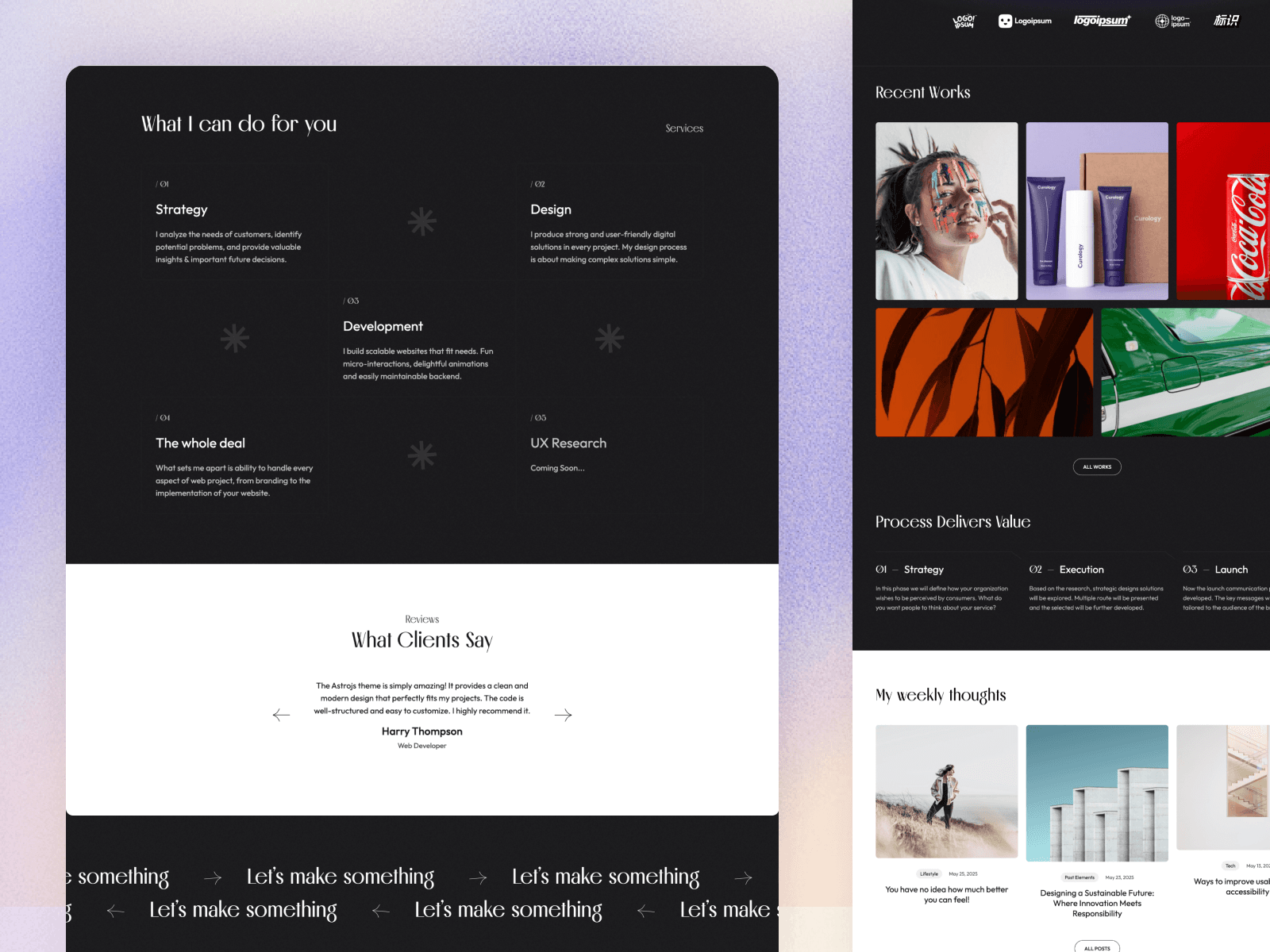
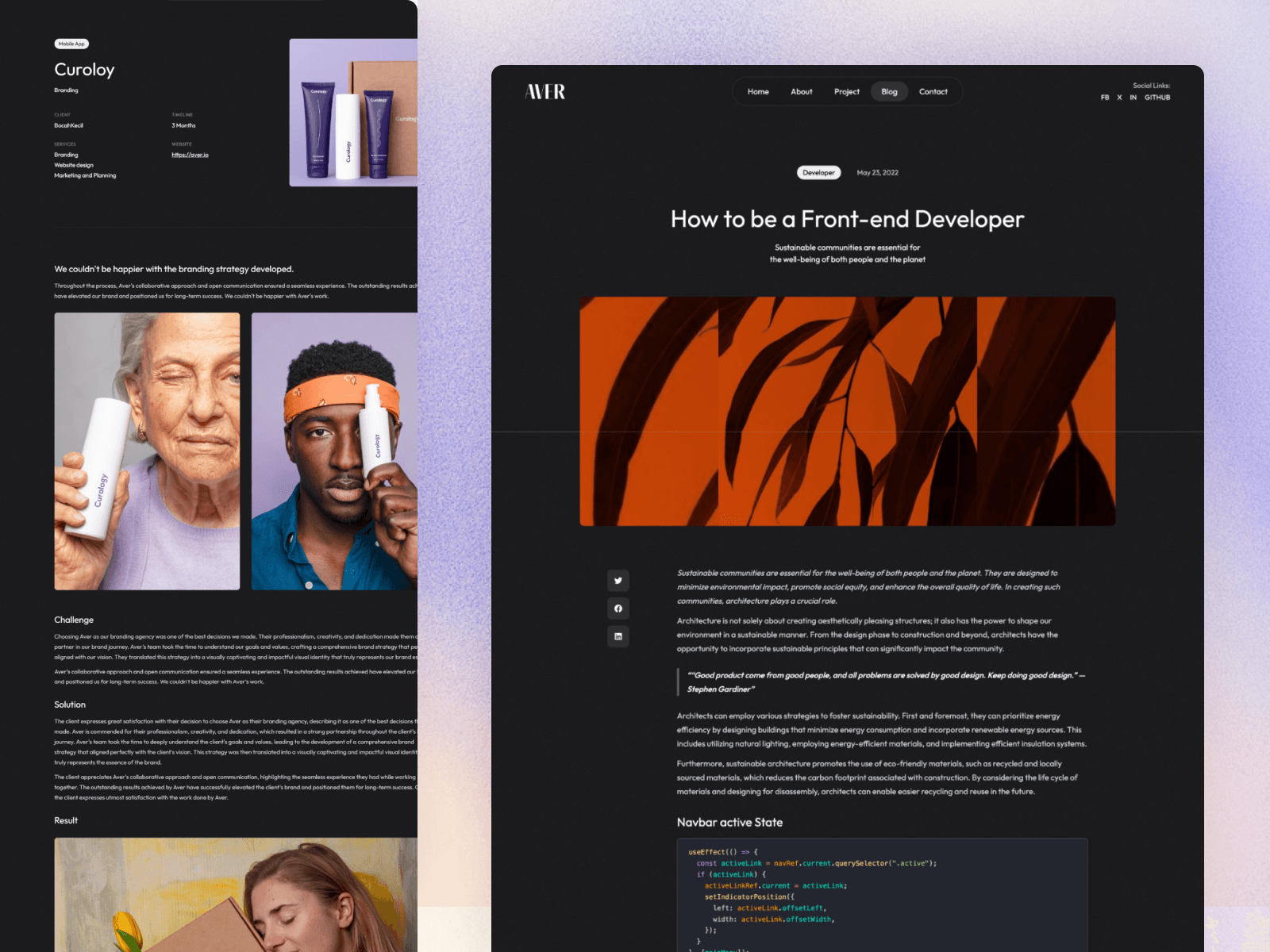
- Aver: animated project previews with dedicated project pages, a full blog, and a dark and light mixed design. Best for designers and creative developers.
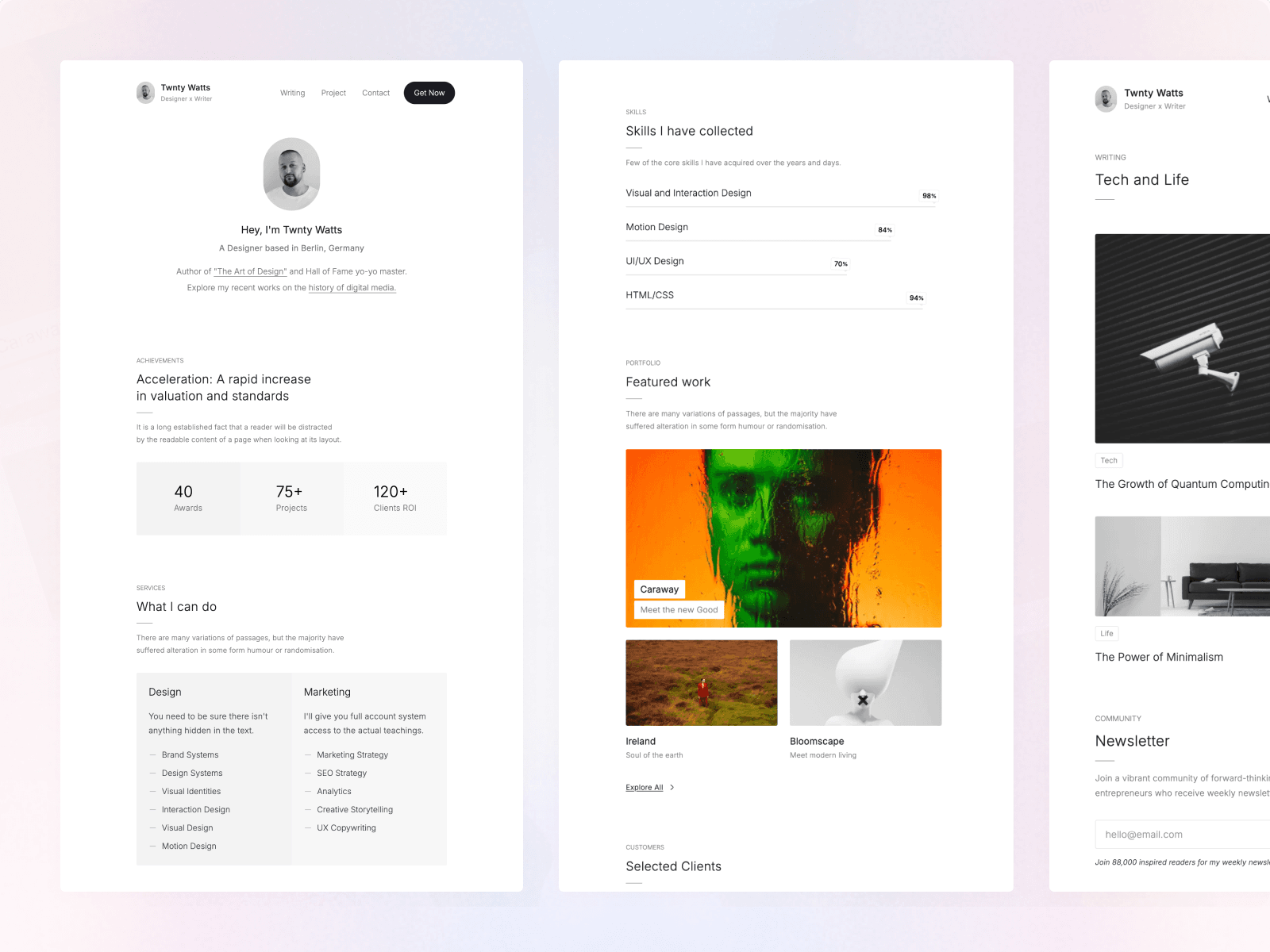
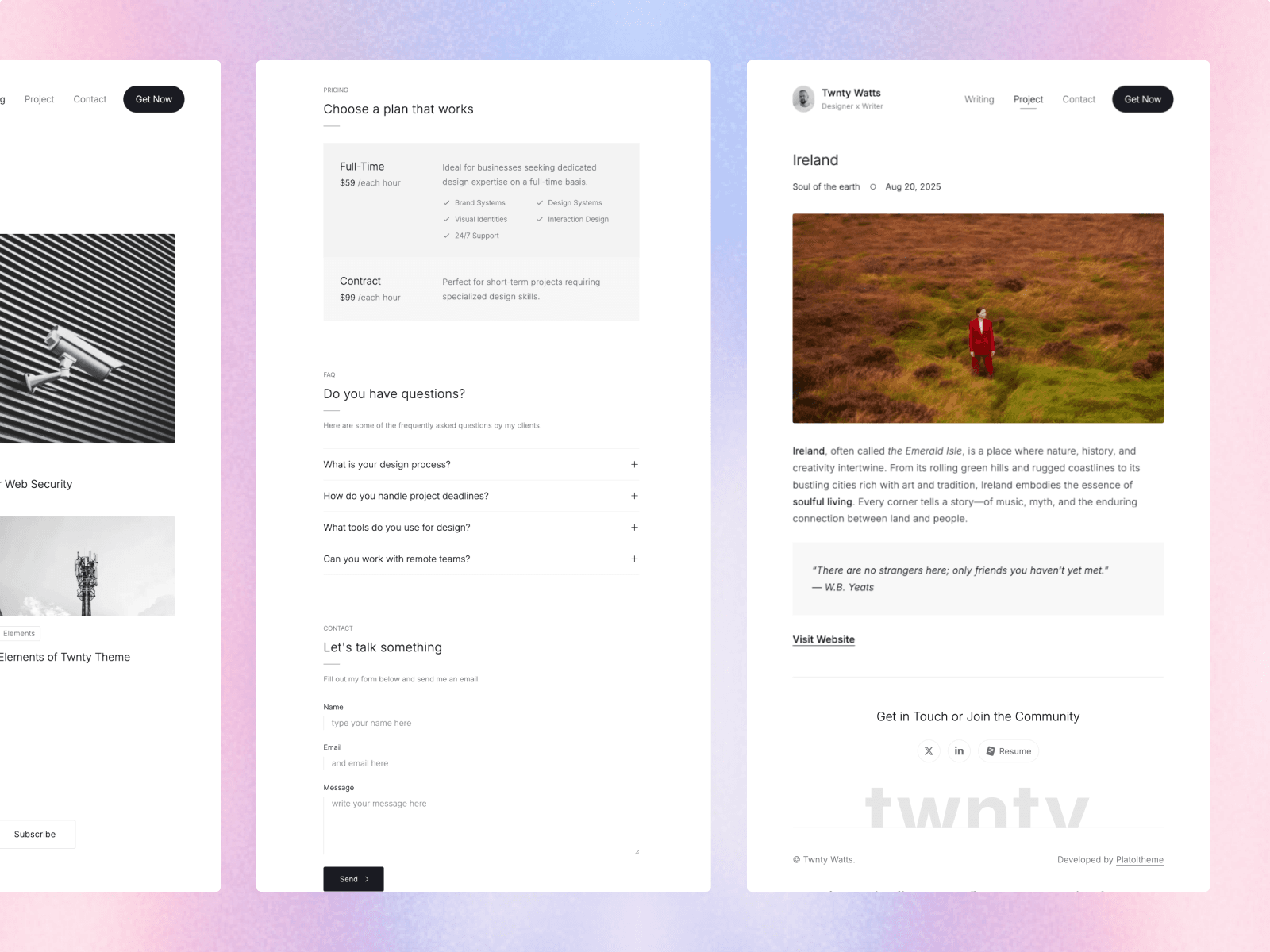
- Twnty: a resume, CV, and portfolio theme with 13 sections, including experience, skills, services, testimonials, and projects. Best for job seekers and freelancers.
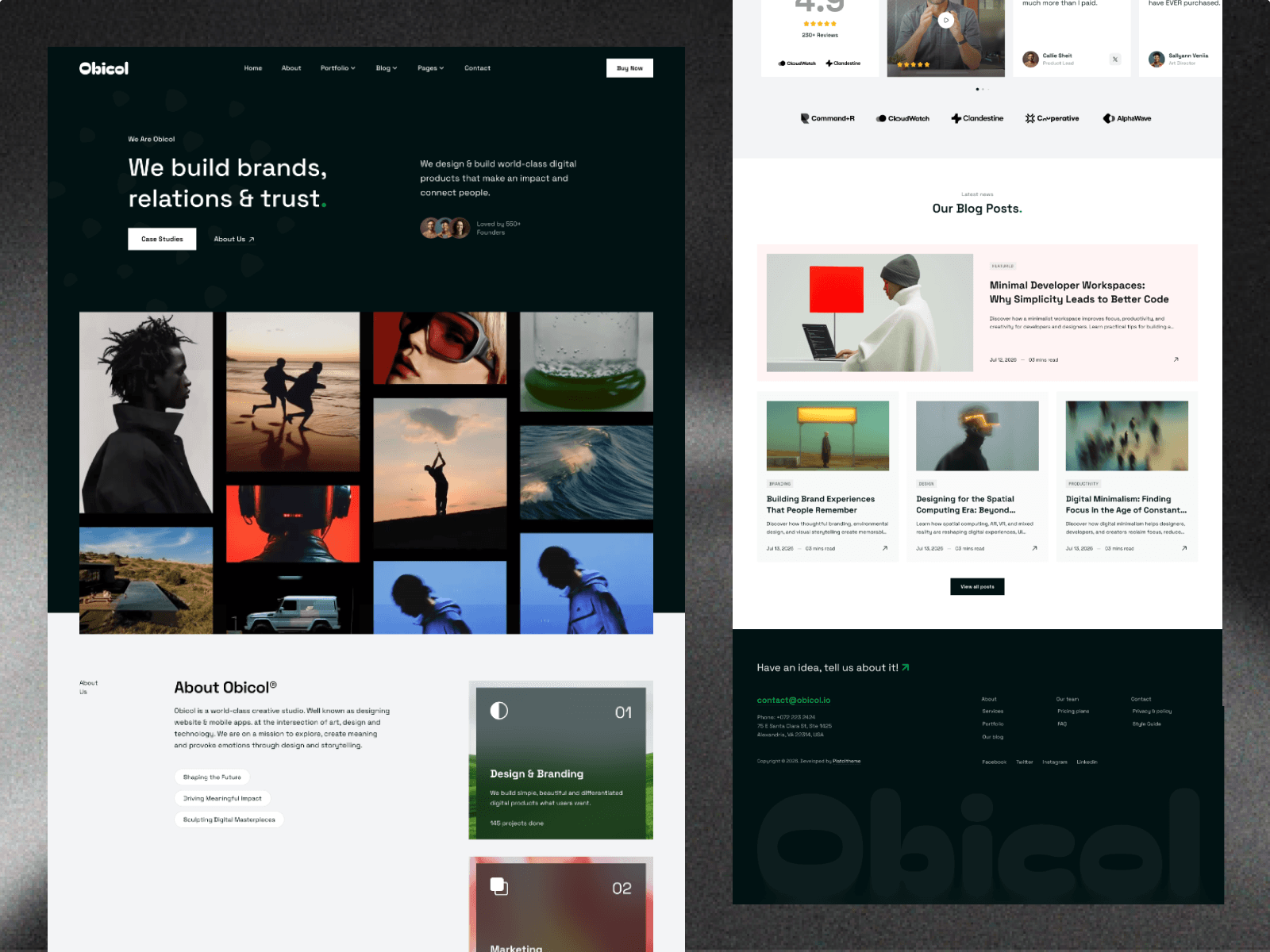
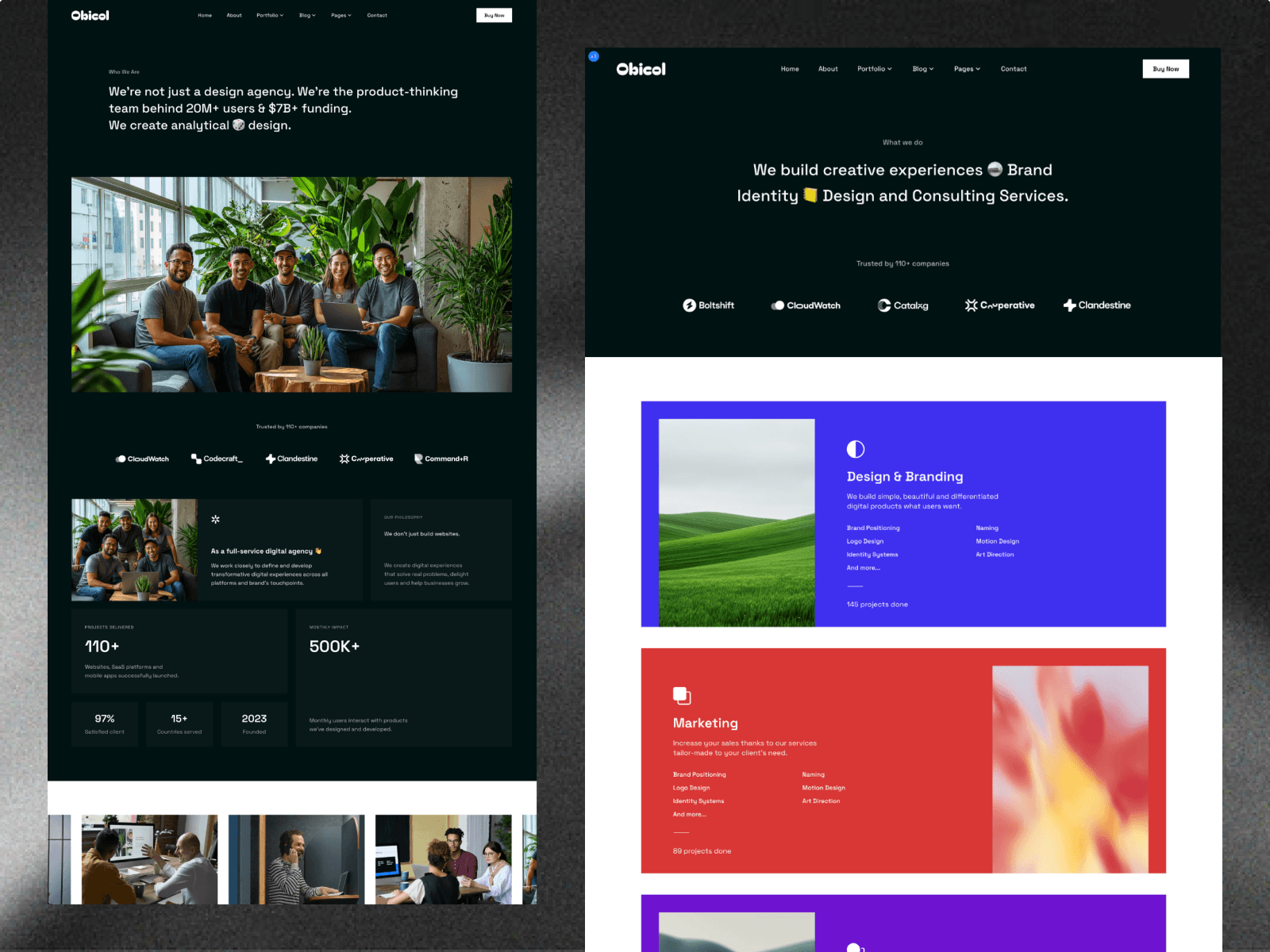
- Obicol: case studies, services, team, and careers pages. Best for studios and small agencies.
Browse all Astro portfolio themes, or the Astro resume and CV themes if you want your portfolio to read like an online CV.
Frequently Asked Questions
What should a developer portfolio include?
A short intro that says what you do and what you are looking for, three to six strong projects with write-ups, your skills and experience, a way to contact you, and links to GitHub and LinkedIn. A blog and testimonials are strong extras.
How many projects should I put in my portfolio?
Three to six well-explained projects beat twenty unexplained ones. Pick projects that show the skills you want to be hired for, and write a short case study for each: the problem, your role, the stack, key decisions, and the result.
Why build a portfolio with Astro?
Astro builds fast static pages, manages projects and posts as typed Markdown content, and can be hosted for free. A fast, well-built portfolio is itself a demonstration of your skills, and Astro makes it easy to get high Lighthouse scores.
Should I build my portfolio from scratch or use a template?
Build from scratch if you are a front-end developer and the portfolio is a showcase of your design and code skills. Use a template if you want to spend your time on projects and write-ups instead, then customize it so it feels like yours.
Do I need my own domain for a portfolio?
It is strongly recommended. A domain like yourname.dev looks professional, is easy to share, and helps your portfolio rank when people search your name. Domains usually cost less than twenty dollars a year, and hosting an Astro site can be free.
Conclusion
A developer portfolio that gets interviews is clear, focused, and fast: a sharp intro, a handful of well-explained projects, proof that others trust your work, and an obvious way to get in touch. Astro makes the technical side easy: projects as content files, static pages that load instantly, and free hosting.
Build it from scratch with the steps above, or start from a portfolio theme and spend your time on what matters most: the work itself.